Consumer Domain UX
Introduction
The Consumer Domain UX provides a permitted Extranet Agent with the ability to navigate through Consumers, Trips and Bookings and to perform permitted actions.
Typically this will be used by
Our internal support team
A Partner’s Customer Service Team providing support to their consumers
A Partner's Sales Agents providing over-the-phone, by-email and in-person booking services
Key features include
Instant Navigation - based on any relevant unique identifier including IDs and Codes and unique fields such as email and phone
Domain Navigation - to traverse the tree of data about a given consumer and their bookings
Cancel bookings - the ability to cancel and refund bookings
Amend Bookings - ability to amend existing bookings
Create new bookings - including product discovery and booking on behalf of the consumer
Product Discovery - the ability to discover products most likely to be of interest to a given consumer via recommendation engine, browsing and search interface
The Consumer Domain holds data about a given lead passenger and is a typical starting point for any agent. It is typical when speaking with a consumer on the phone or via any other channel to want to first locate the consumer in the system and then view and manage all of the data that lives downstream of the consumer.
Whilst the consumer record may hold little more than the name and contact details of the lead passenger there will also be one or more Consumer Trip records related to a given consumer that hold details of their intended destination, likely travel dates and the makeup of the party they will travel with. Thus an agent may learn that the Consumer travelled with their family to London sometime in the previous year, then travelled alone to Milan more recently and is planning a further trip in Europe for later this year.
Each trip may contain only a single booking however, depending on the traveller's requirements, a trip could also contain a variety of bookings covering a range of products throughout the trip.
Agents are free to create new trips on behalf of a consumer or to view details of all trips associated with the consumer and to append, change or cancel any booking in a trip up to any cut-off dates and subject to relevant cancellation policies.
Access to the consumer domain grants the Agent access to several different and interconnected “navigators” that allow, subject to permissions, the viewing, creating, editing and reporting of relevant data.
These are:-
Consumer - Details including name and contact details for the consumer (aka Lead Passenger).
Trip - Details of one or more trips that the consumer has booked including the destination, dates, pax configuration and labels
Tags - Details of the Tags that have been associated with the trip to recommend likely products
Booking - Details of the single booking that is connected to the Trip
Availability - Details of one or more availabilities whether planned, confirmed or cancelled
The Consumer Domain

An Availability is the definition of a product
in a given configuration
on a given date and time
for a given configuration of PAX
Data Structures
This section describes the data structures used across the consumer domain.
Consumer
The Consumer record is relatively simple with the key fields being only
familyName
givenName
email
phone
However, it is also possible to store answers to any number of arbitrary questions.
Questions may be defined at different levels within the Business Principaly hierarchy and thus a partner may define any number of Consumer Questions that will be visible within the consumer domain. Questions can be of various types ranging through yes/no, select from list to rich text descriptions. questions may be defined as optional or required.
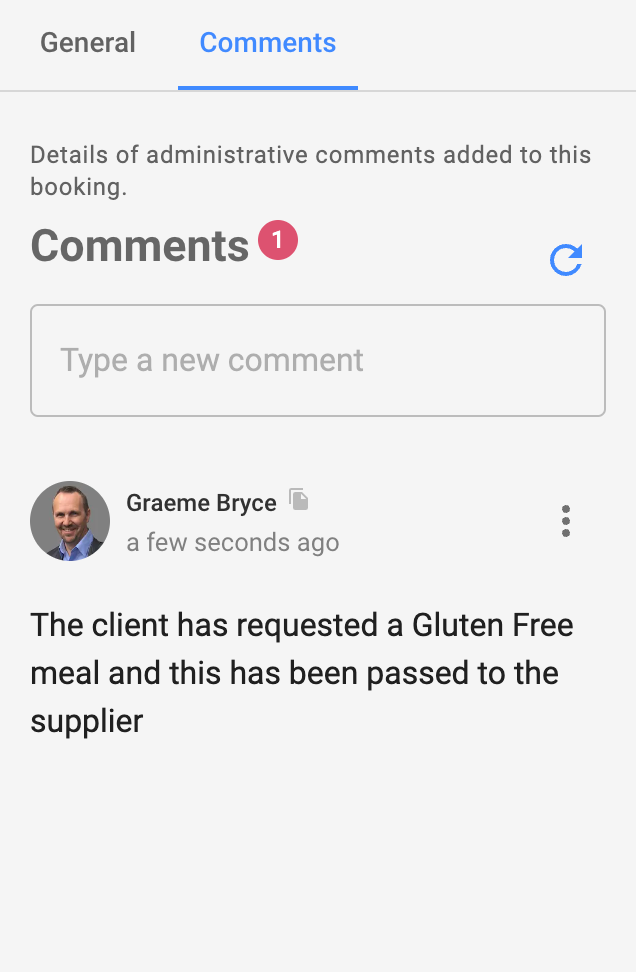
The Entity Comments domain can be associated with a consumer allowing for the recording of comments with datetime stamps and details of the Agent that applied the comment.
Agent Stories
This section describes the activities that an administrator may achieve through the use of Consumer Navigator

All stories are subject to the Agent having the required permission(s).
Each story below can be assumed to have the prefix “As the Agent I can…”
Milestones Key:
GREEN - Live in the production environment
AMBER - In development
PURPLE - Scoped
RED - Not yet scoped
Milestone | Story |
|---|---|
Home | |
M-1.1 | Instantly Navigate directly to any level in a consumer hierarchy based on a single unique item of data |
M-1 | Open the Consumer list |
Home → Consumer List | |
M-1 | View a list of consumers and navigate down |
M-1 | Search and filter the list of existing consumers |
Home → Consumer List → Consumer | |
M-1.1 | View the summary of the Consumer |
M-1 | Append a comment on the Consumer and view comments from others |
M-1 | View the details of the Consumer |
M-1 | Edit the details of a Consumer |
M-1 | Create a new Consumer |
M-1.1 | Blocked from creating a Consumer with existing email or phone |
M-1 | View a list of Trips recorded against a Consumer and navigate down |
Home → Consumer List → Consumer → Trip | |
M-1.1 | View the summary of the Trip and its ansestor’s summaries |
M-1 | View the details of the trip |
M-1 | View and update a list of Tags |
M-1 | Edit the details of the Trip |
M-1 | Create a new Trip |
M-1 | View a list of Bookings and navigate down |
Home → Consumer List → Consumer →Trip → Booking | |
M-1.1 | View the summary of a booking including its Trip and Consumer |
M-1 | Append a comment on the Booking and view comments from others |
M-1 | View the details of the Booking |
M-1 | View all Booking Questions |
M-1 | Open the Manage My Booking page on the relevant White-Label in a new tab |
M-1 | Initiate the Download the voucher for the booking |
M-1 | Initiate the cancellation of any or all of the Availabilities that are inside of their cancellation policy |
M-1 | View the amount of refund available to the consumer |
M-1 | Iniiate the resend the confirmation email to the consumer |
M-1 | View a list of Availabilities and navigate to the summary |
M-1 | View a list of Events and expand the details of any given event |
M-3 | Book on Behalf - Search for a product availability and add this to the existing booking (add availability to booking) |
Home → Consumer List → Consumer → Trip → Booking →Availability | |
M-1.1 | View a summary of the Booking Availability including its ancestor summaries |
M-1 | Append a comment on the Booking and view comments from others |
M-1 | View the details of the Availability |
M-1 | Initialise the cancellation of the Availability when in policy |
M-1.2 | Initialise the FORCED cancellation of the Availability when outside policy |
M-1 | View the refund amount that will be returned to the Consumer |
NOT SCOPED | View the cancellation policy that is being applied |
M-1 | View the options that were chosen for the Availability |
M-1 | View the questions and answers that were provided at checkout |
M-1 | Preview the product as it appears on the white-label |
NOT SCOPED | Preview the version of the product as it existed at the time of booking |
M-1 | View a list of Persons and navigate to their summary |
M-2 | Amend the Availability - change date, options, pax via a cancel and rebook flow |
Home → Consumer List → Consumer → Trip → Booking → Availability → Person | |
M-1.1 | View a summary of the record including its ancestor’s summaries |
M-1 | Append a comment on the Booking and view comments from others |
M-1 | View the questions and answers that were provided at checkout |
Home → Product Discovery | |
M-4 | Discover product and book on behalf of the consumer |
Production Screenshots
The following screens give a brief overview of searching and managing consumer records
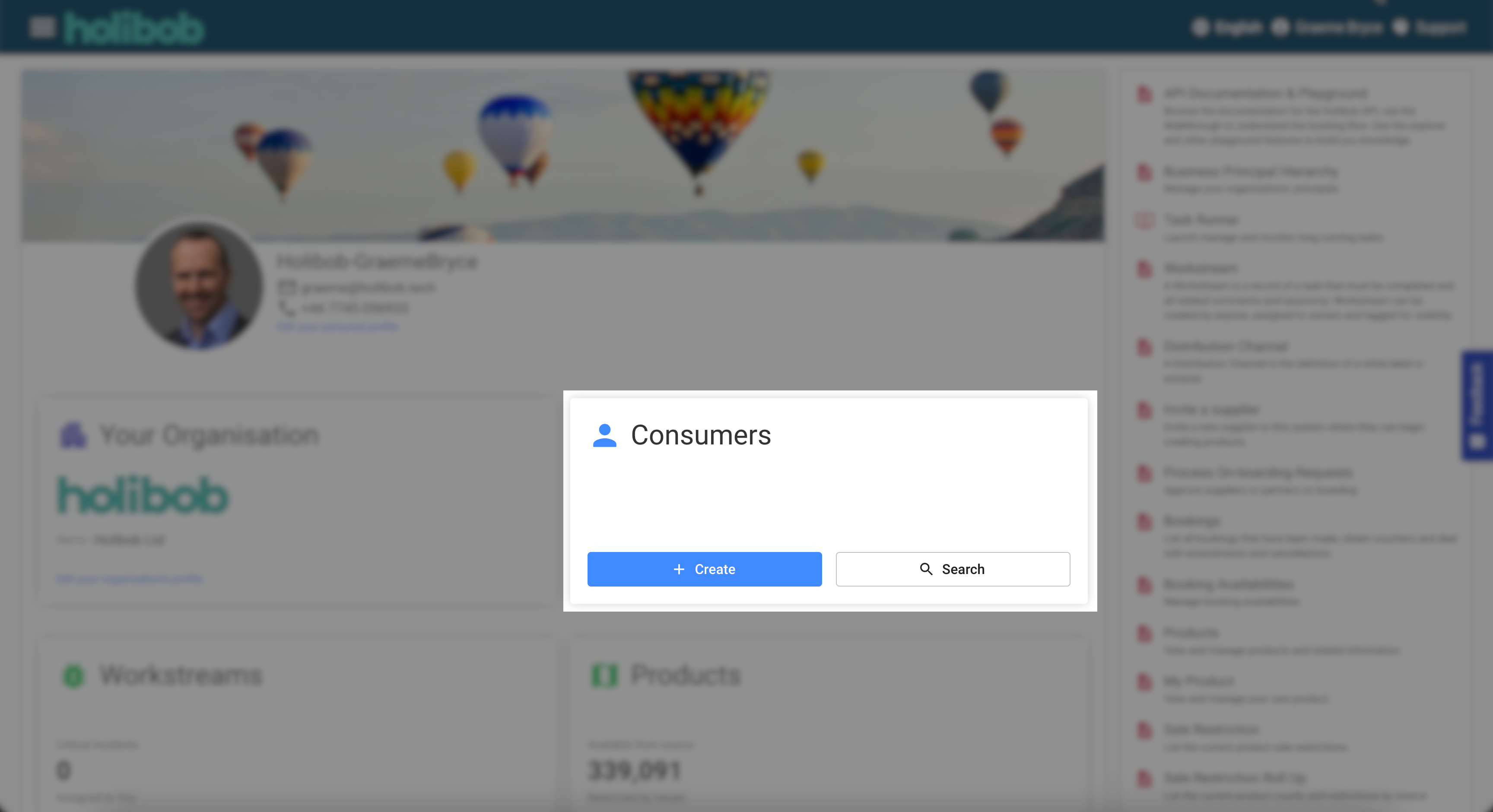
Home - Consumer Deep Linker
A deep linker component is available on the home screen of the Extranet and is designed to allow the Agent to enter any unique identifier such as a Consumer’s email address or a bookingCode.
The system will immediately perform a search across the whole of the domain and return links for any identified record and all of its ancestor records.
Entering a unique booking bookingAvailabilityCode will return a deep link to the BookingAvailability but also to its Booking, Trip and Consumer.
When the Agent selects one of the links they are taken to the summary screen for the selected item and the breadcrumb will be fully populated allowing navigation to any higher level.
If more than one record was identified, for example where a Consumer name is not unique in the system, then the Agent will be provided a link to the Consumer List screen where they can use additional filters and visual scanning of records to identify the one required.
Consumer List
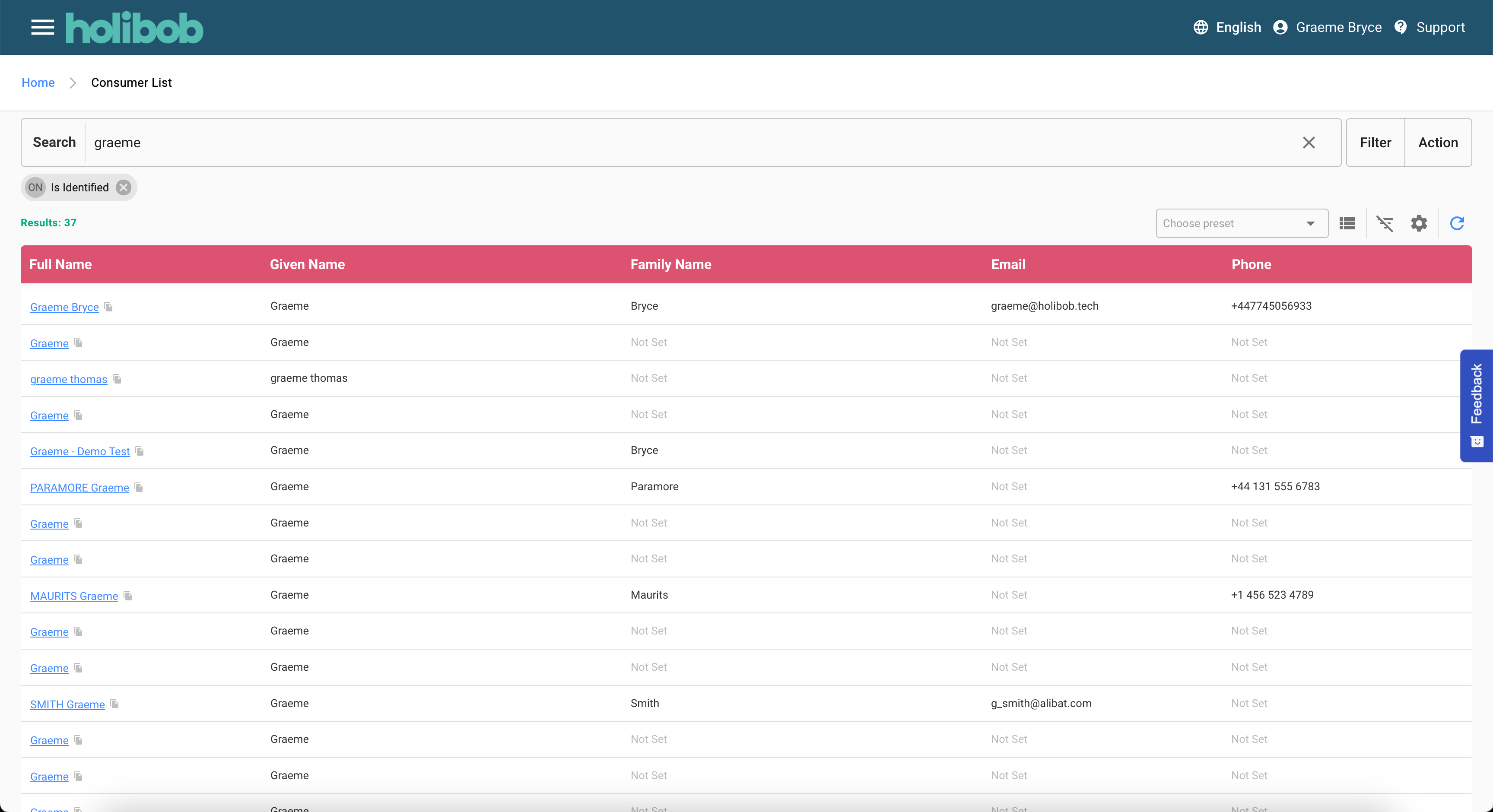
The consumer list screen allows the administrator to perform a search by the names, email and phone details of all consumers.
Once a record is identified the Agent may click to open the Consumer Navigator on the summary screen
In the example shown:-
The administrator has entered the search term “Graeme”.
All records matching the search have been returned.
The contact details and last interactions and shown for each consumer.
The blue hyperlink will open the next screen.
Consumer Create
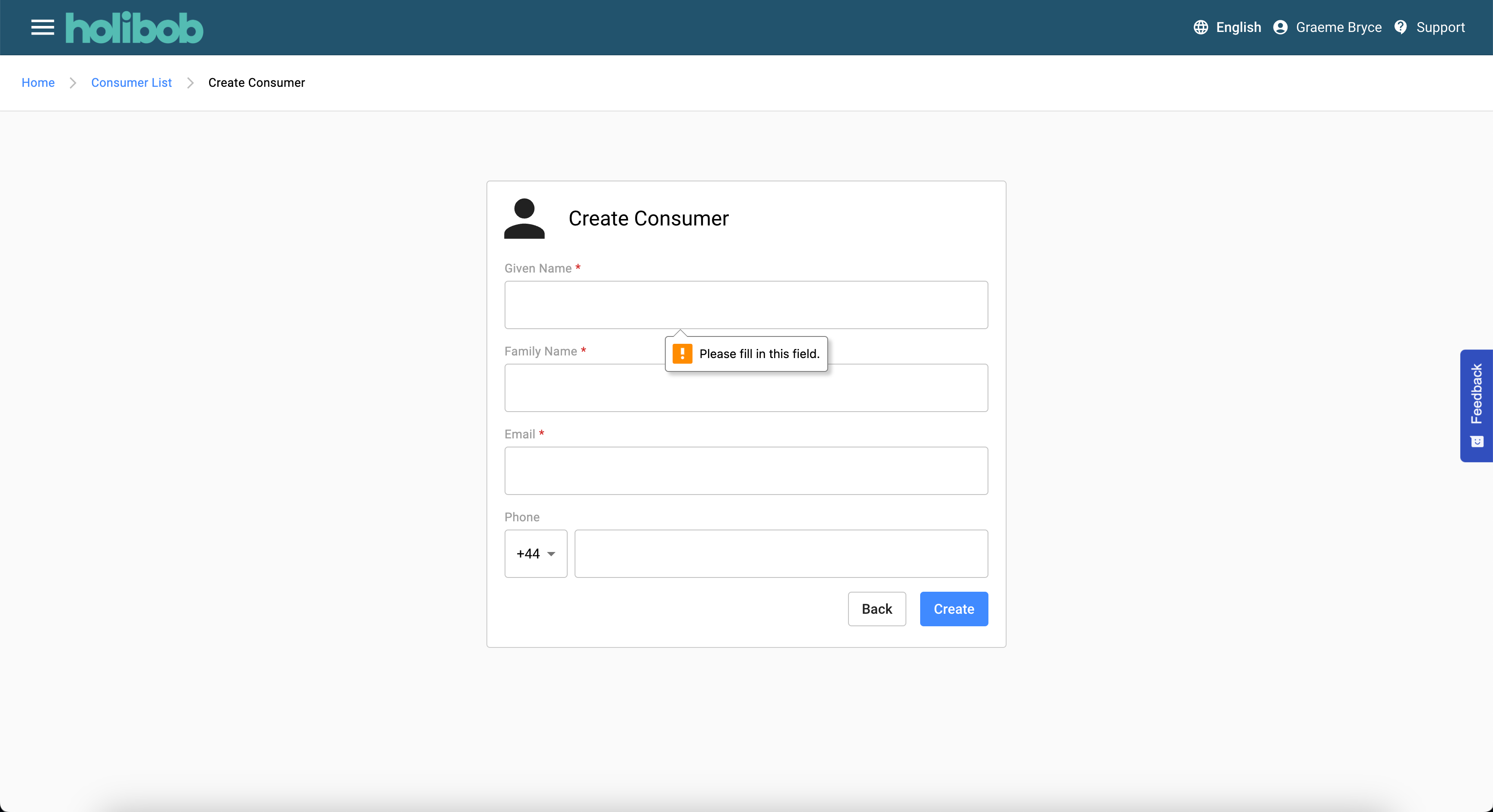
The action to create a new Consumer is available via the actions button on the previous screen.
The Agent must complete all required fields before the system will accept the record.
Validation will be performed to prevent the Agent from creating a consumer with an existing email address or phone number. If validation fails, a message will appear at the bottom of the screen and the Agent will be required to amend the details and try again or return to the list screen to find the existing record.
Once the record has been created the system will automatically navigate to the next screen.
Consumer Summary
The consumer summary screen will provide at a glance consumer details along with some metrics such as the historical lifetime value of the consumer.
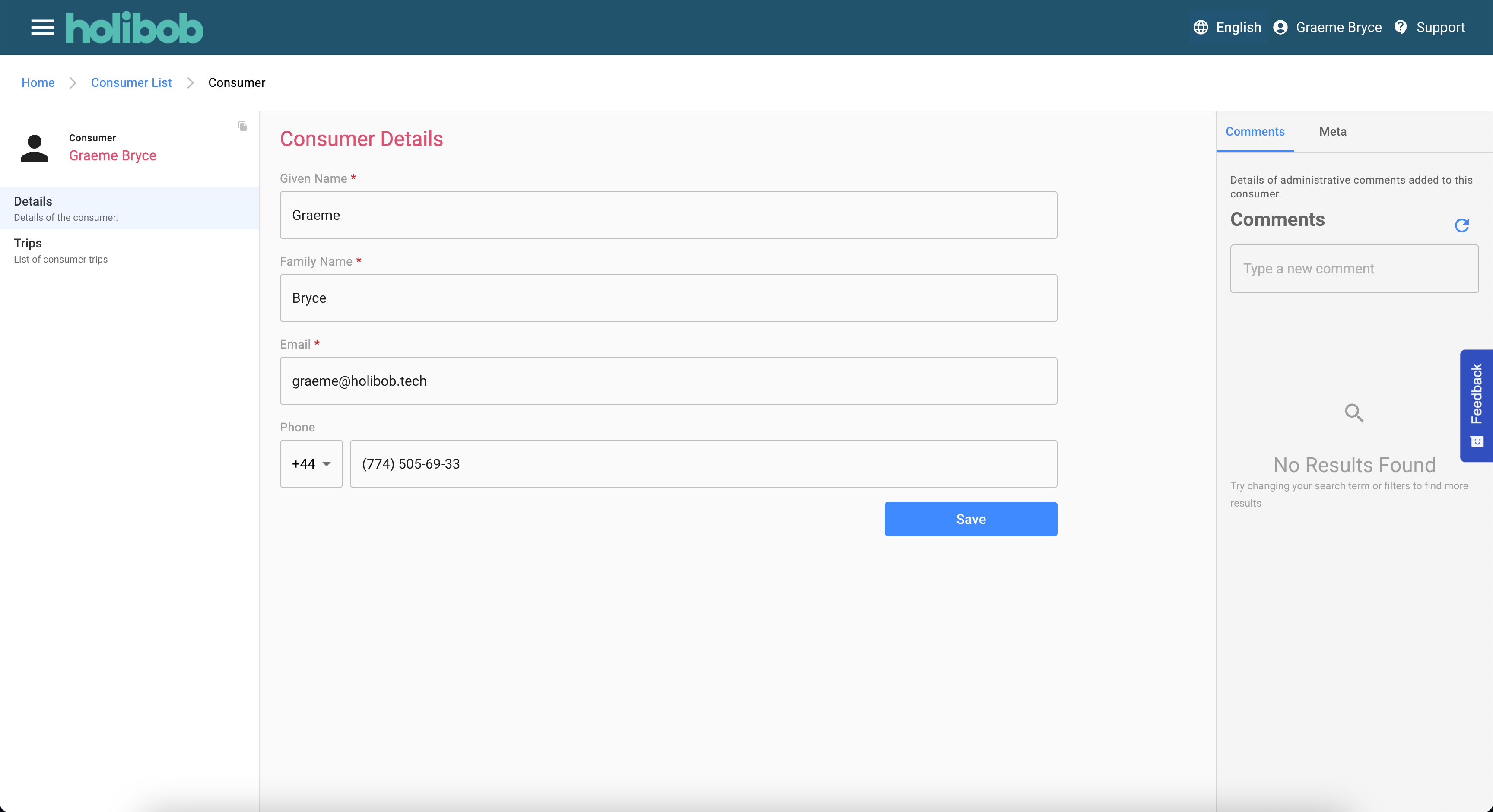
Consumer Details
The consumer details screen provides access to all of the contact information for the consumer.
In the example:-
The administrator has opened one of the records from above
They can see the details recorded for the consumer
The navigation on the left provides options to explore related data
Subject to permissions, the Agent may be able to perform edits on this screen
The fields on this form may otherwise be read-only
the Agent with the required EDIT permission or one who owns this record would be able to update the details and/or perform actions on the record.
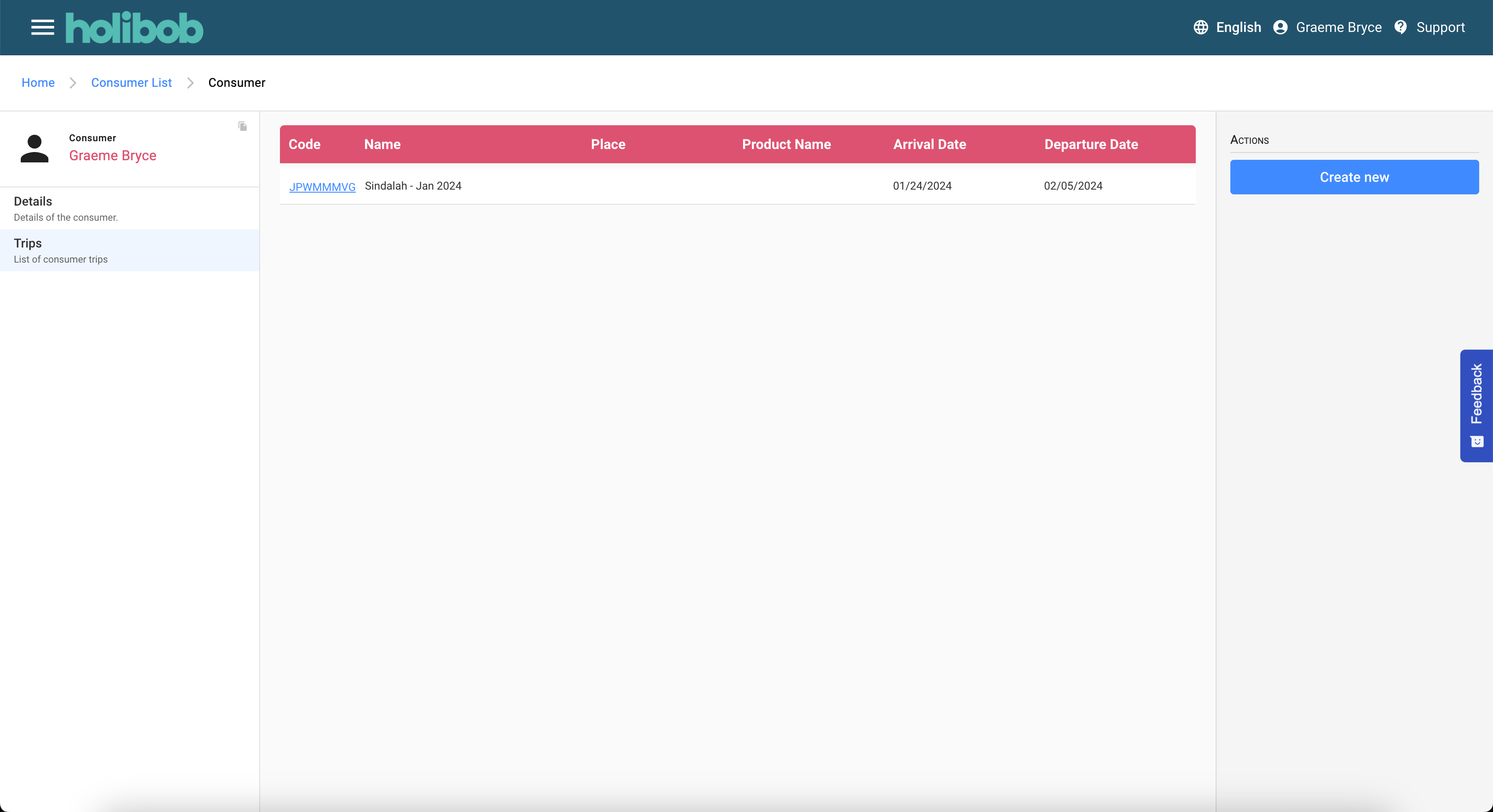
Consumer Trip List
The trip list will detail any pre-existing trips.

The arrival and departure dates are as per details entered by the Agent when creating the trip. These are used by any calls to the product recommendation engine to check for availability. They are NOT indicative of the any first and last consumption dartes that may on booked availabilities.
The following actions are possible:-
Clicking the hyperlink will navigate to the trip summary.
There is an action available to create a new trip which will open the model as shown in the next screen.
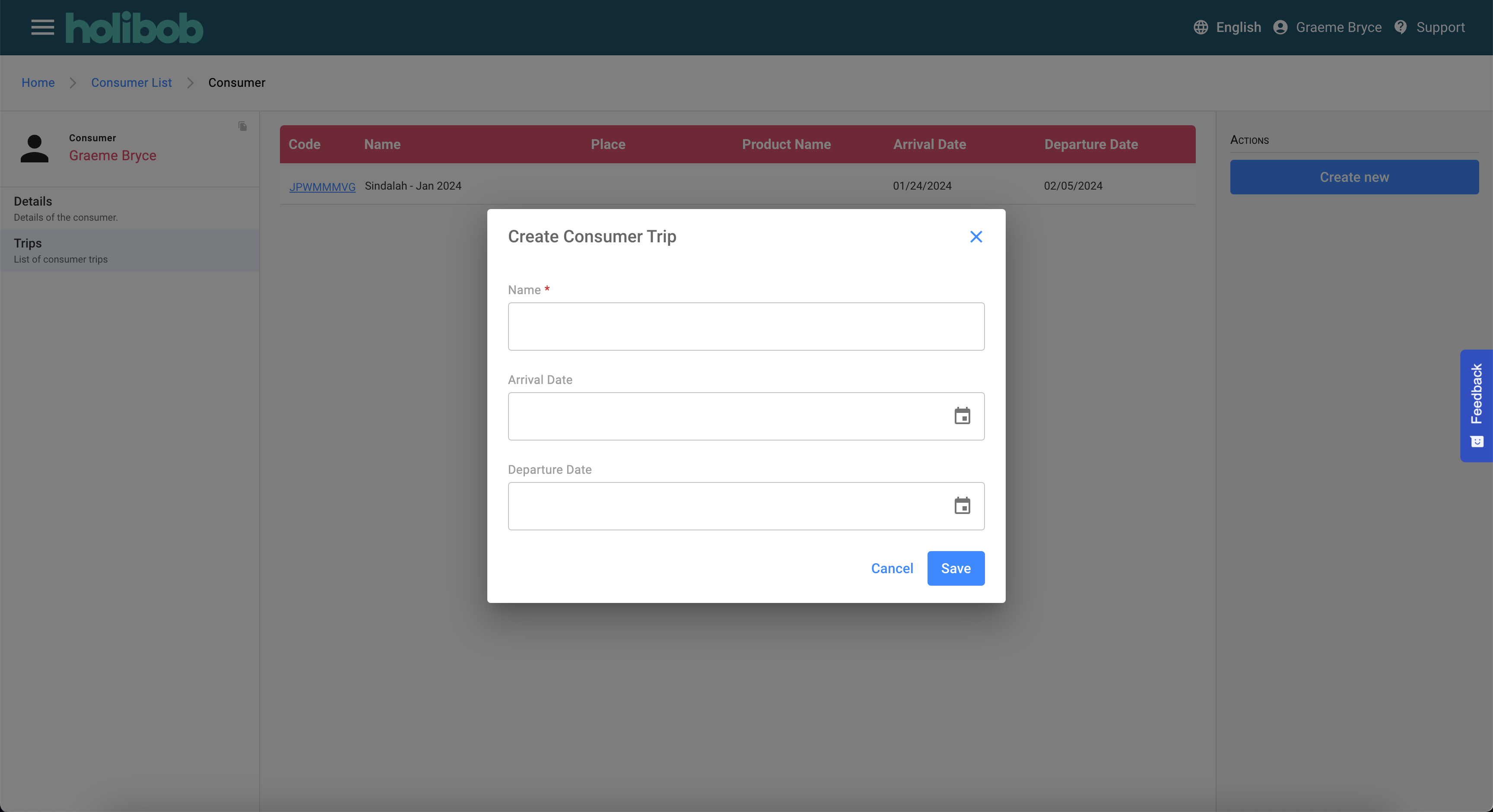
Create A New Consumer Trip
The modal gathers the minimum data required to create a new trip.
Once the action is completed the system will navigate to the summary screen below.
Trip Summary
The trip summary screen provides details of the trip at a glance.
It may also display:-
A summary of the Consumer that this trip belongs to.
A dashboard summarising downstream record counts and financial summations.
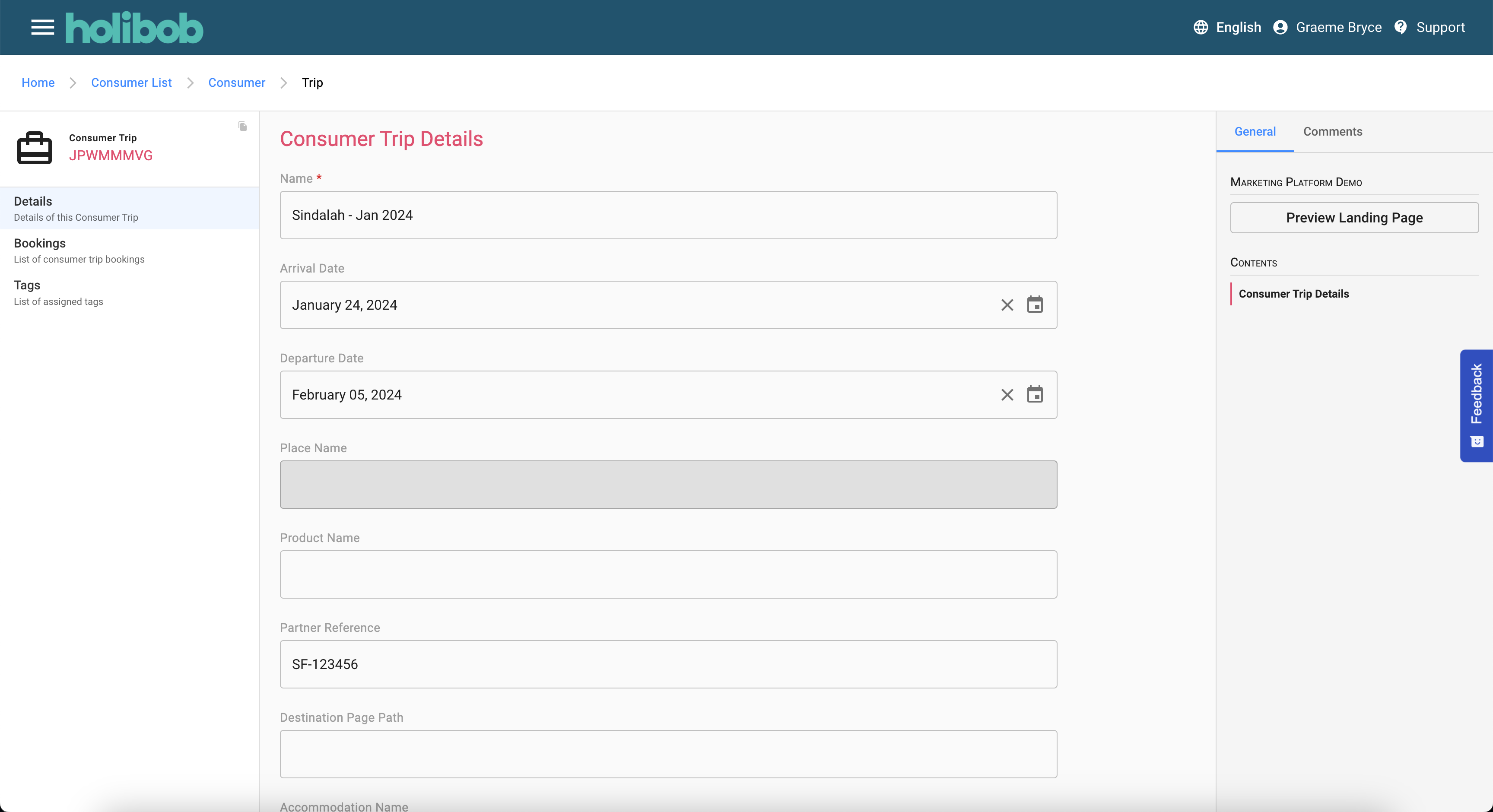
Trip Details
The trip details screen provides access to all of the details of the trip that the Agent is permitted to view
In the example:-
The agent has opened one of the trips shown above
The trip has
A destination
Optional arrival and departure dates
An external product name that may be used for market tracking
Recommendation Engine
All of the data recorded against a trip can be used by the product recommendation engine to assist an agent in discovering the products available in the destination and most closely aligning to the likes and dislikes of the traveller.
Subject to permissions, the Agent may be able to perform edits on this screen.
The fields on this form may otherwise be read-only.
The Agent with the required EDIT permission or one who owns this record would be able to update the details and/or perform actions on the record.
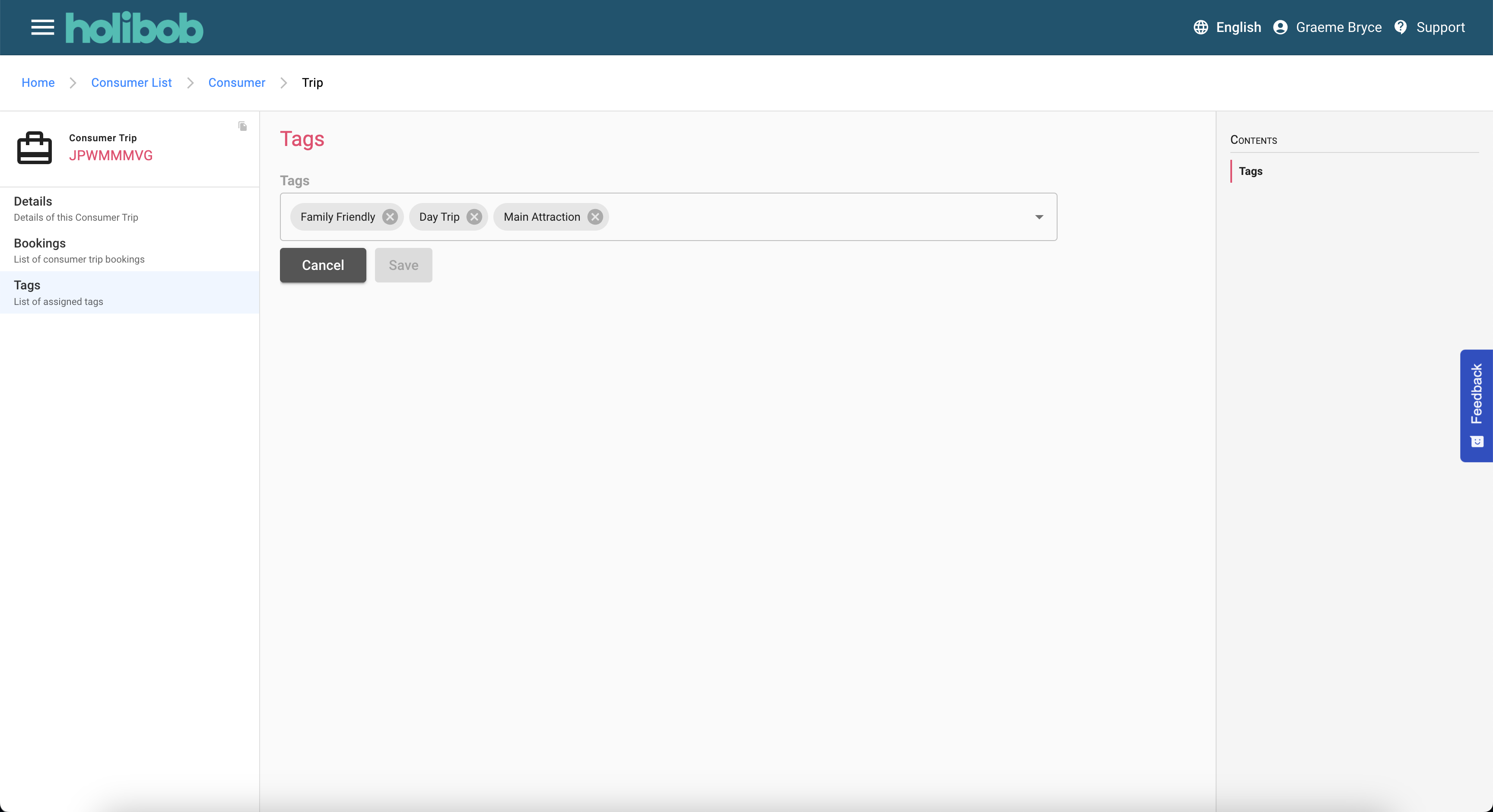
Trip Tag Details
The tag details screen allows an Agent to discover and amend the list of Tags that qualify the preferences of the consumer and thus inform the product recommendation engine.
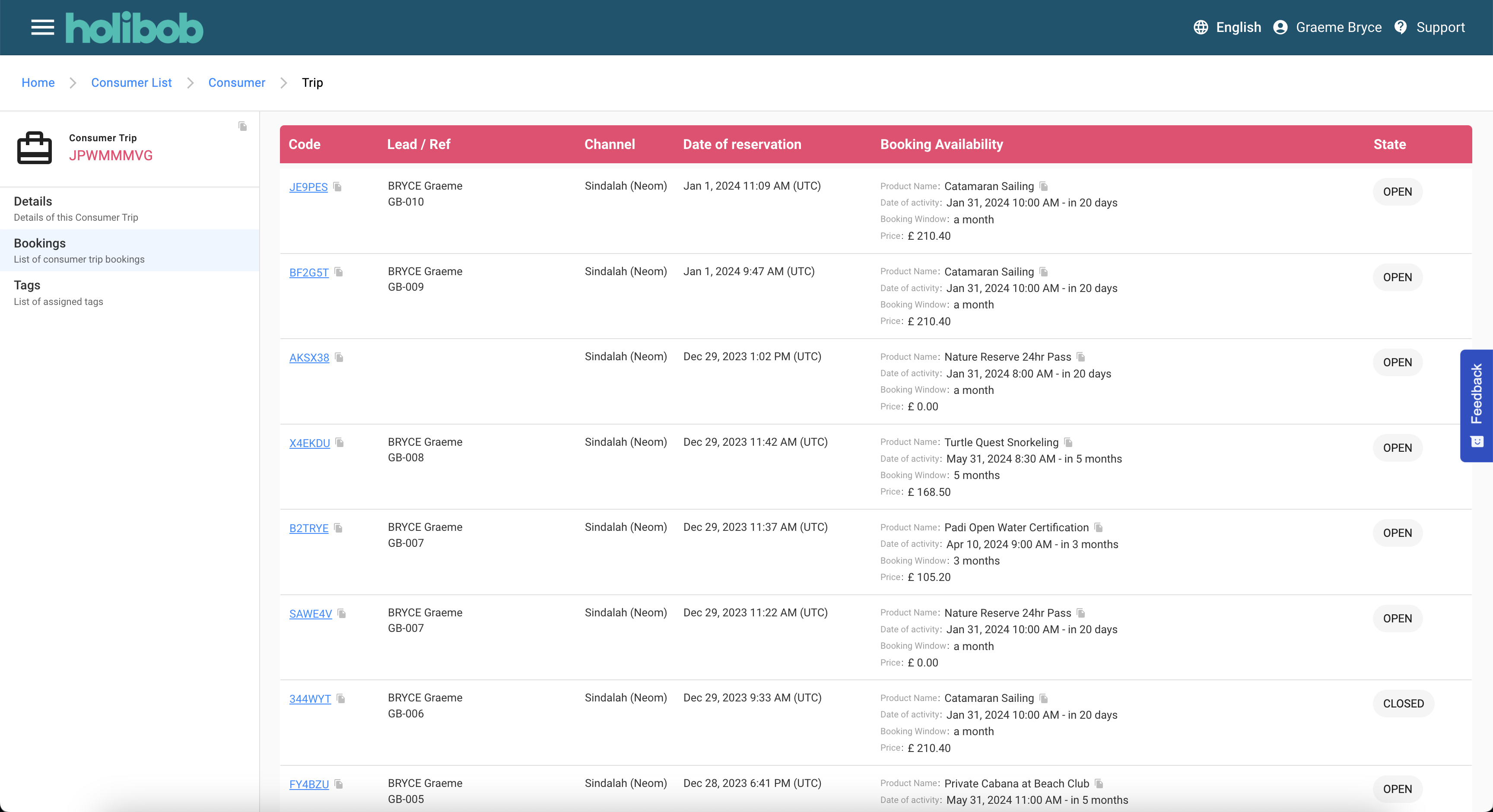
Trip Booking List
For reasons of backwards compatibility, this screen supports the possibility that there may be multiple Bookings associated with a single trip.
Most partners are now configure so that this is not possible.
In a future iteration of the system this screen will be removed and the sub screens of the booking as detailed further down this section will be elevated to the level of the trip.
Booking Summary
The summary screen provides details of the Booking at a glance.
It may also display:-
A summary of the Trip that this Booking belongs to.
A summary of the Consumer that the Trip belongs to.
A dashboard summarising downstream record counts and financial summations.
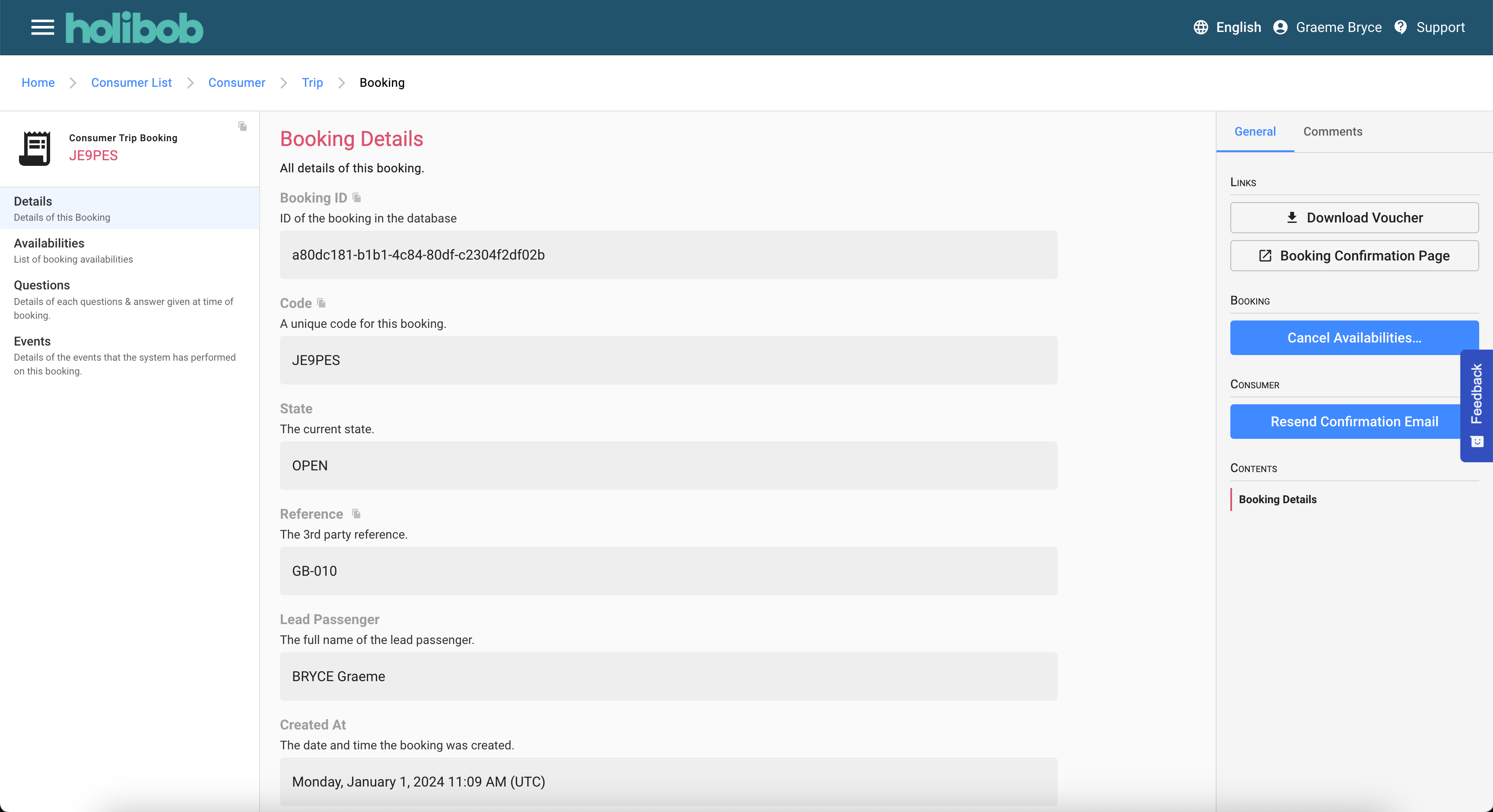
Booking Details
The booking details screen contains all of the primary information for the booking.
Much of this data may have been entered when the booking was first captured however there are additional details that will have been added by the system and the lifecycle of the booking evolved.
Actions are available for:-
Download the voucher in PDF format.
View the booking confirmation page that the consumer may have access to.
Initiate a cancellation of some or all of the availabilities that are inside cancellation policy.
Initiation a resend of the consumer email which will contain the voucher as an attachment.
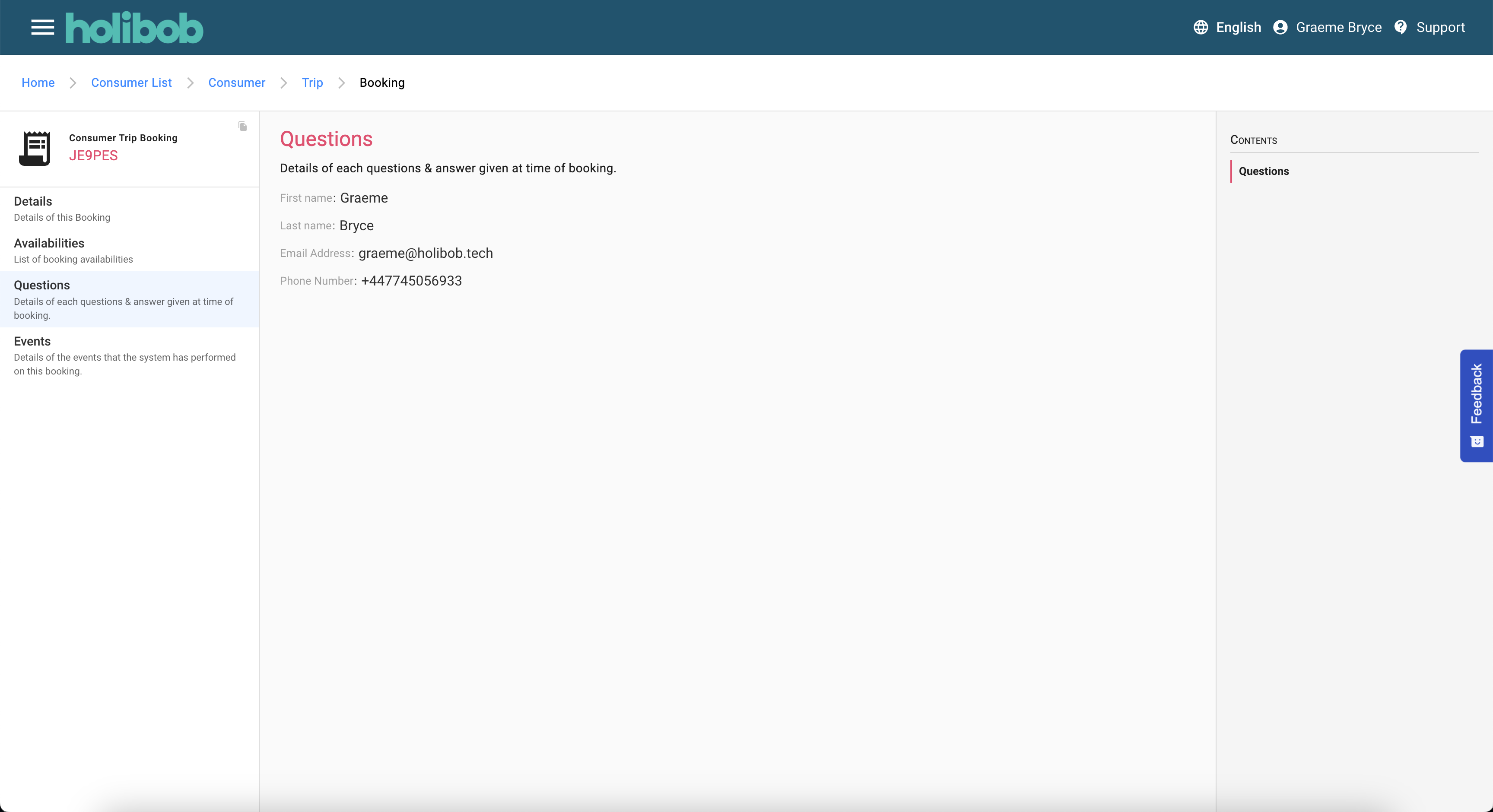
Question & Answer Details
This scene shows any questions that were presented to the booker at the time of checkout and the answers that were provided.
This data is always read-only
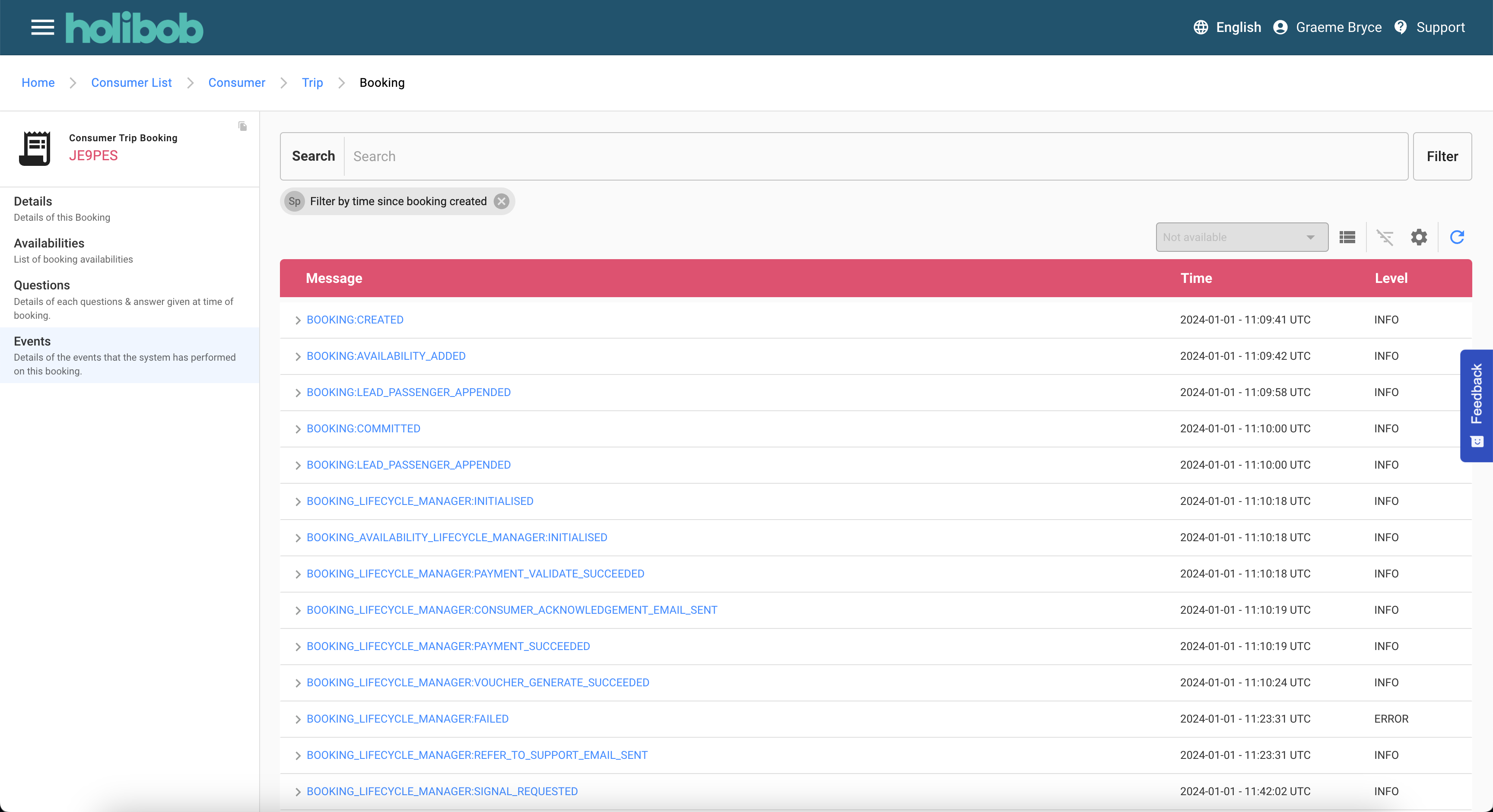
Event Details
This screen is typically only available to system administrators and it is used for diagnostic purposes
The list shows all of the events that have taken place in relation to the booking and its descendant records. This will include all interaction with the Consumer and with any third party integration services.
Filters can be applied to the screen to show even create levels of diagnostic logging.
Each item can be expanded to view the data relevant to the event.
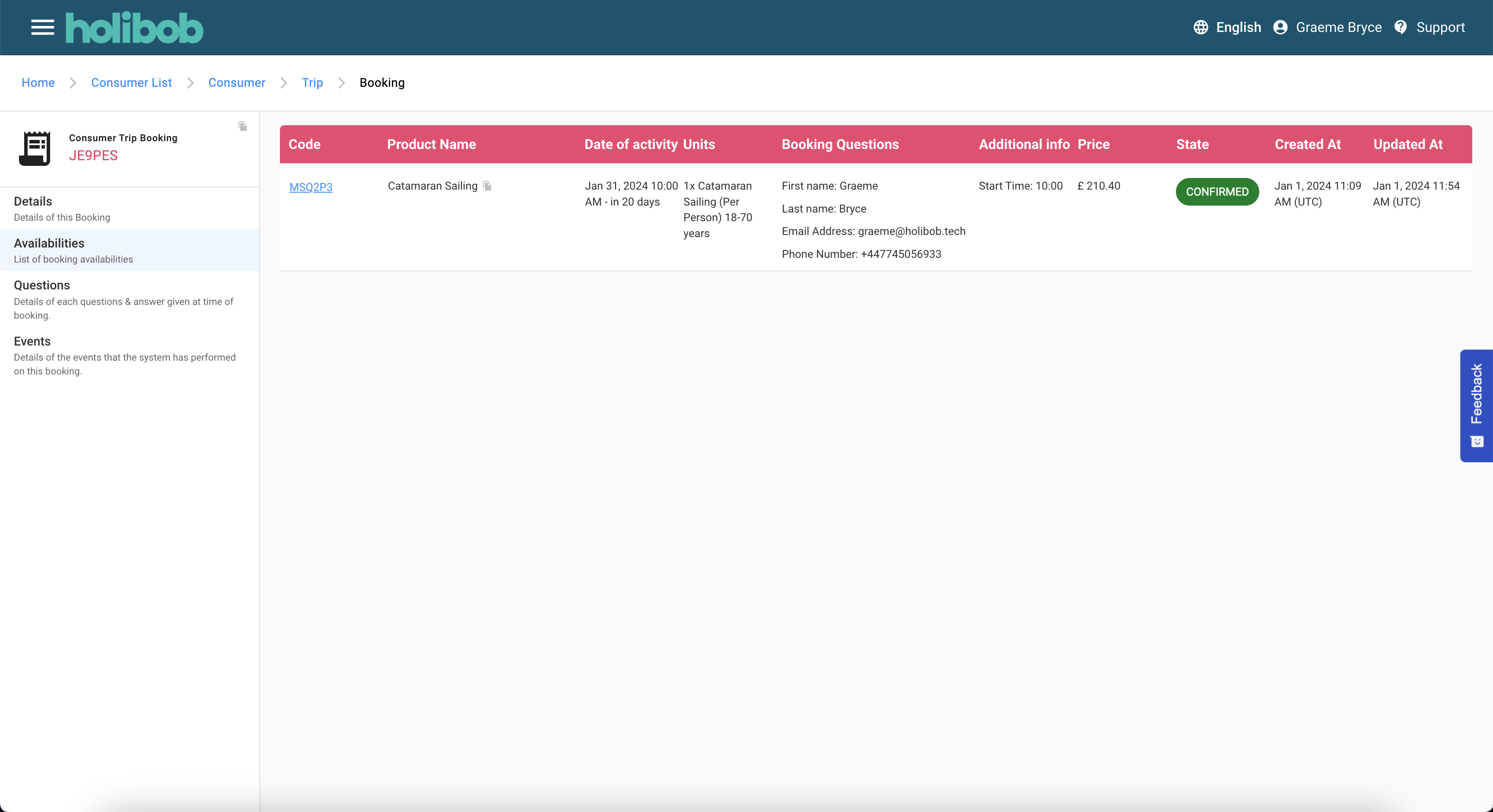
Availability List
This screen lists all of the individual Availabilities.
An Availability is the booking of a single produce on a given date and time and with a given set of options and PAX.
Actions are available:-
the hyperlink will navigate to the next screen.
Availability Summary
The summary screen provides details of the booked Availability at a glance.
It may also display:-
A summary of the Booking that this Availability belongs to.
A summary of the Trip that the Availability belongs to.
A summary of the Consumer that the Trip belongs to.
A dashboard summarising downstream record counts and financial summations.
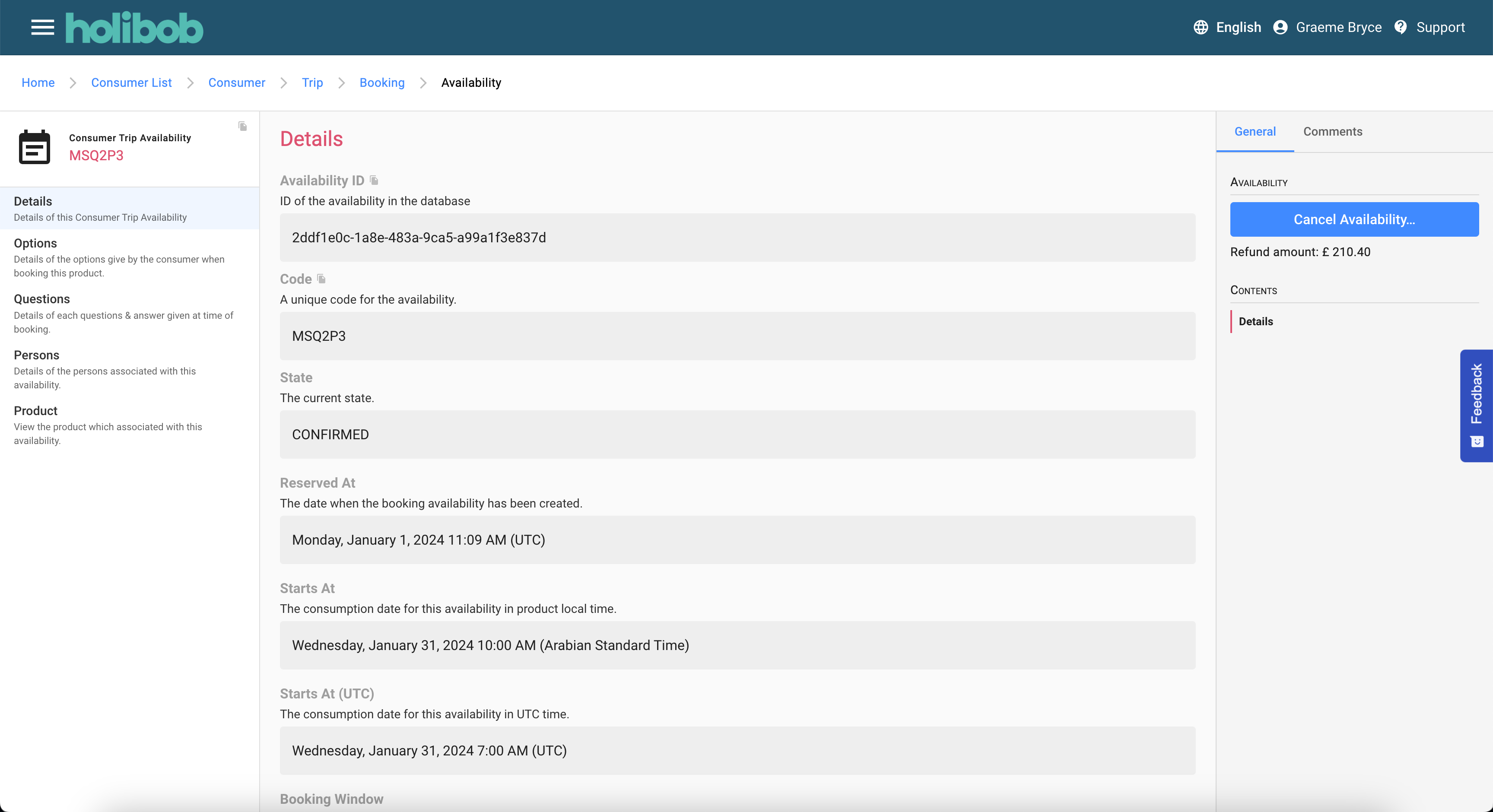
Availability Detail
This screen contains all of the primary information for the Availability.
Much of this data may have been entered when the booking was first captured however there are additional details that will have been added by the system and the lifecycle of the booking evolved.
Actions are available:-
To initiate the cancellation of the Availability when inside its cancelation policy
To initiate the FORCE cancellation of the Availability when it is outside is cancellation policy
Force cancellation is subject to additional permissions as it will result in a financial loss for the Partner.
The Agent will be required to acknowledge they are aware of this.
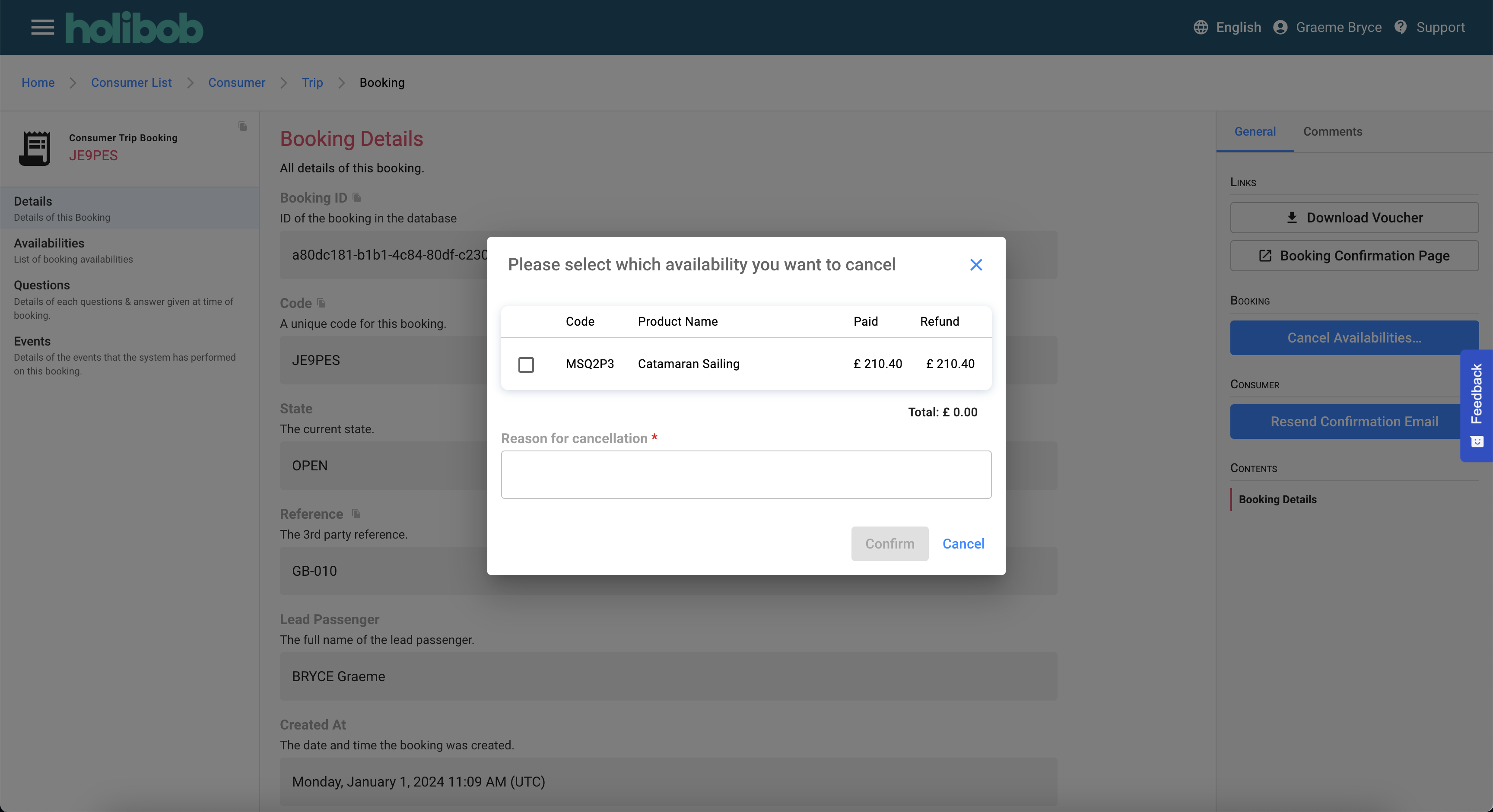
Availability - Confirm Cancellation
This screen details the amounts originally paid by the consumer and the amount that will be refined.
The agent is required to provide a reason for the cancellation.
Details of the Agent that performed and the time this was done are recorded.
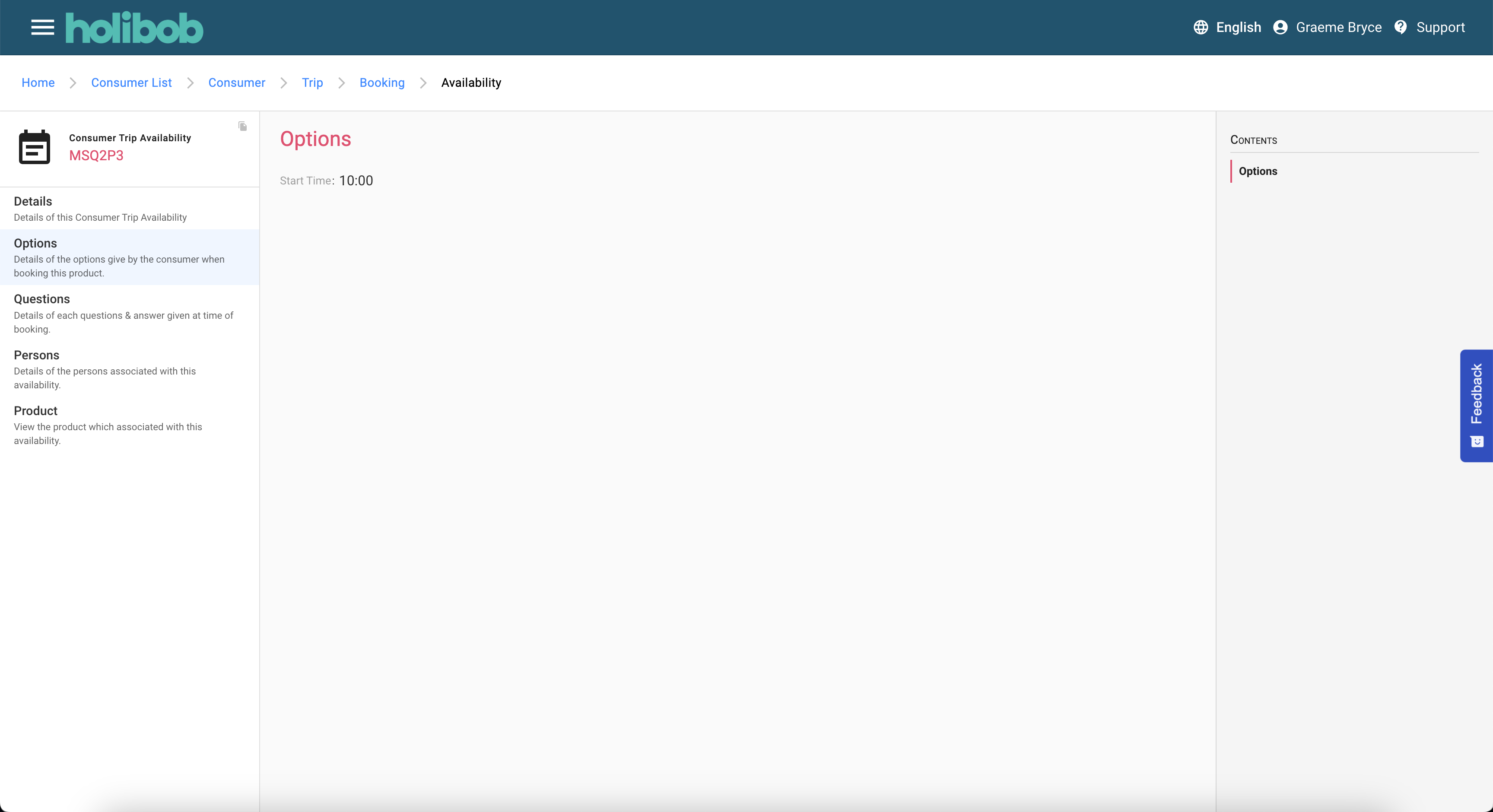
Availability Options
This screen details any options that were selected at the time of the booking
Availability Questions
This scene details any Availability Questions that were presented at the time of checkout and the answers that were provided.
This data is always read-only
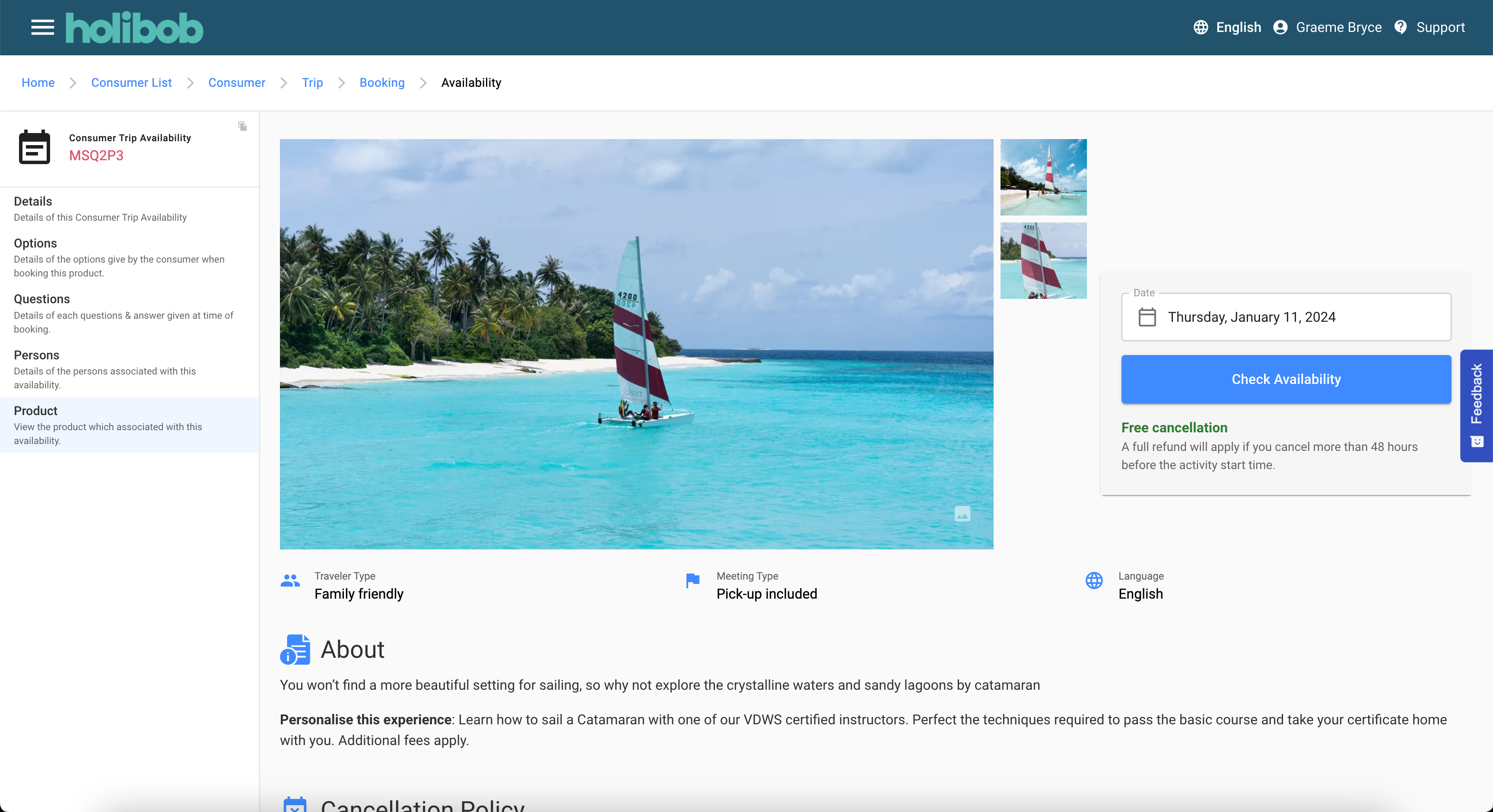
Availability Product Preview
This screen provides a view of how the product may appear on a consumer-facing website or application.
The layout and styling of this preview is generic. As all white-label sites are subject to branding and configuration the preview may not be an exact representation of what the consumer sees.

The data shown in this screen is per the data currently held in the supply system and so it may not be identical to that which was present at the time of initial booking.
In a future update to the system “Versioning” this screen will be updated to show the details that applied at the time of booking.
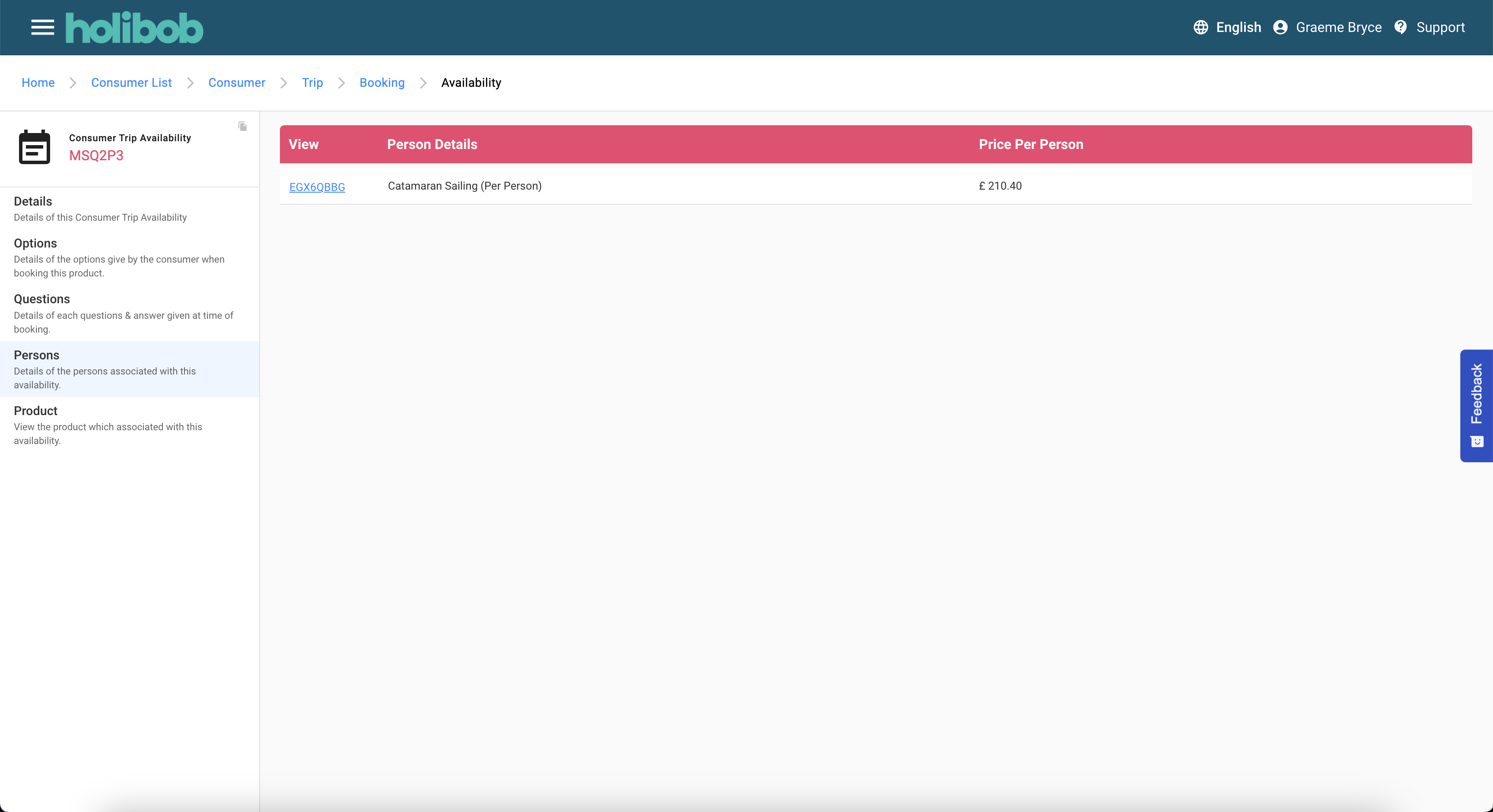
Availability Person List
This screen provides a list of each PAX that was added to the booking along with the ticket type and price for each individual.
The following Actions are available:-
The hyperlink will navigate to the next screen
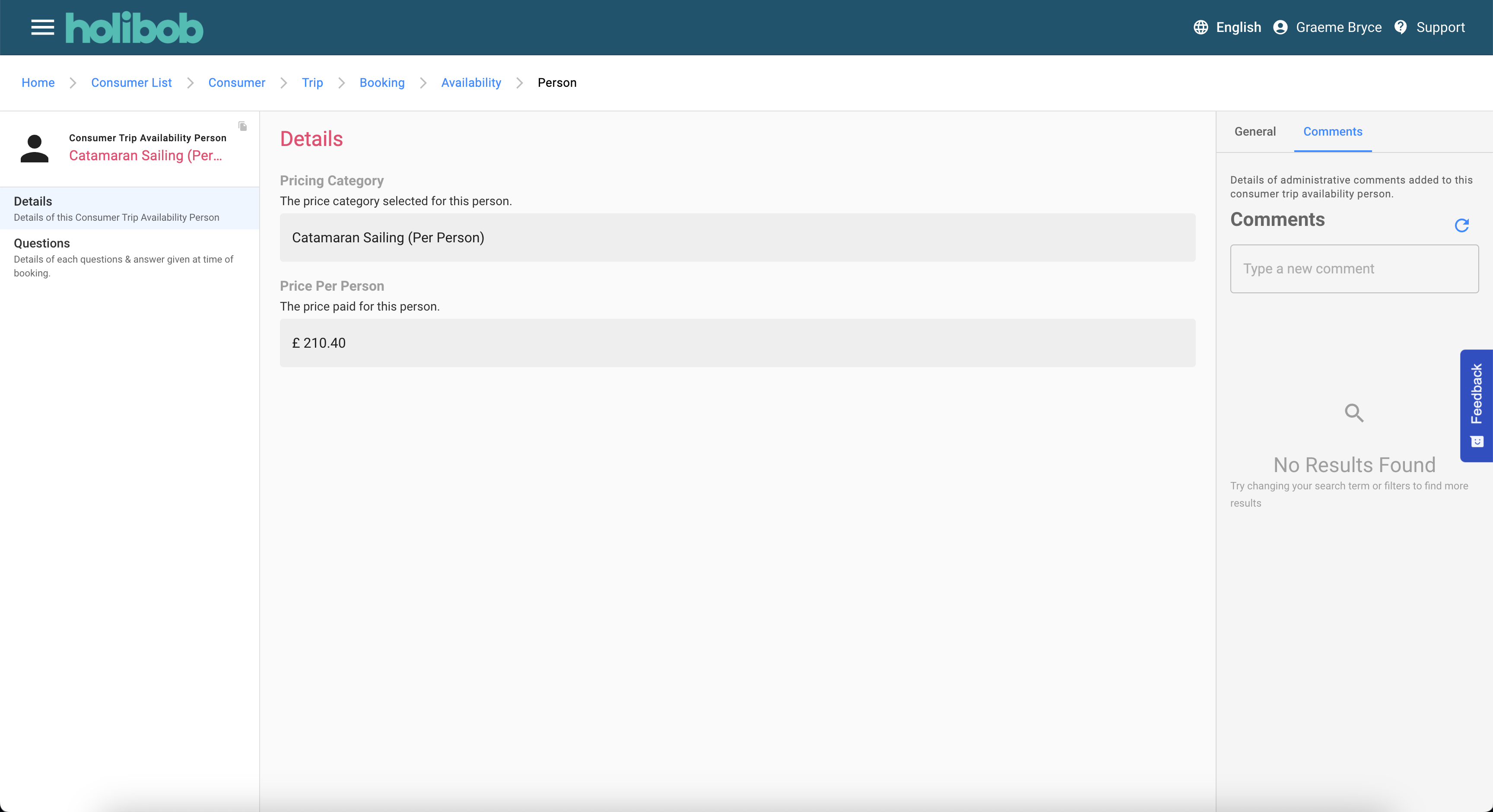
Person Summary
This screen details the pricing category that applied for the Person (PAX)
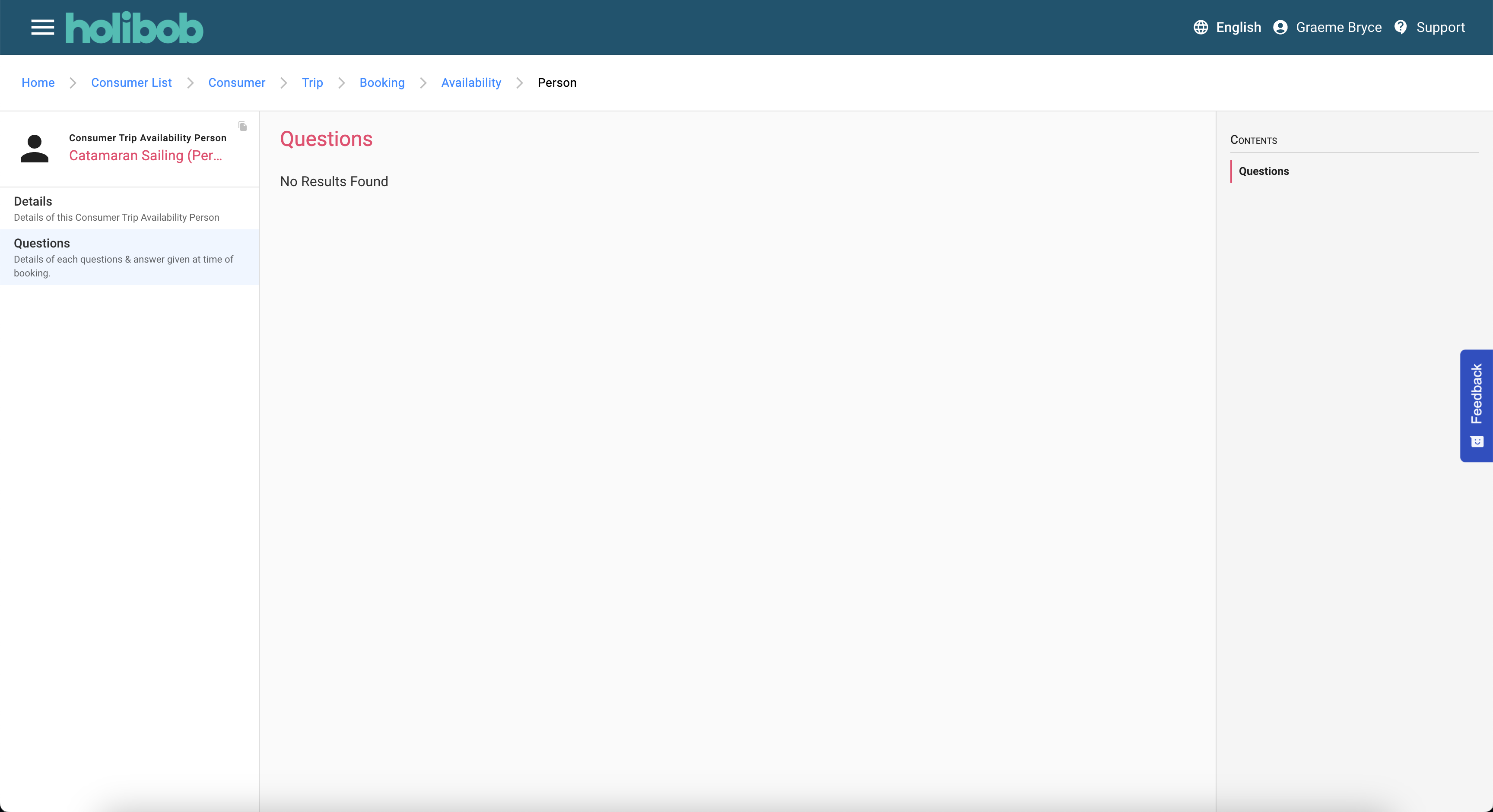
Person Questions
This scene details any Person Questions that were presented at the time of checkout and the answers that were provided.
This data is always read-only
The Comments UX
This tab is available at various levels of the domain hierarchy.
The ability to view and add comments is subject to permissions and may not be available to all Agents.