
Product Navigator
Summary
Description | The ability to manage all aspects of a Product and its downstream data |
|---|---|
Product Owner | |
Technical Lead |
Milestones
| Title | Description | Jira Epic | Problem Doc | Reviewers |
|---|---|---|---|---|
| M3 - Enhance Availability Pattern Management | Enhance Availability Pattern Management | |||
| M2 - Product Attachments | Support product file attachments | PRD - NEOM Requirement - Menu Attachments Feature in Extranet | ||
| M1 - Pre-arrival Instructions dedicated management UI | Dedicated UX for managing pre-arrival instructions | PRD - NEOM Requirement - Pre-arrival Instructions Email UI Enhancement in Extranet |
Introduction
The product navigator allows an administrator to view and edit all of the details about a single product.
This is inclusive of all UX necessary to allow for variants of a product as they pertain to versions, languages and overrides.
Navigators and Wizards
It was the case on that three separate versions of domain Editor existed for the Product Domain.
There were:
Product Wizard - the original version of the UX similar to but developed before the systemic introduction of Navigators
Product Simple Wizard - A specialist UX used by several partners to make certain blocks of data editable in a single screen with limited options
Product Navigator - An initial migration of the original wizard to the new codebase

When a product is created with the Simple wizard a flag is set on the Product header record such that opening the product for edit will do so in the Simple wizard.
It is possible to remove this flag and make more complex edits in the full navigator but it is not possible to then set the flag as the data will likely not match the UX components.
It is desirable to retain some aspects of this functionality.
In future, there should be a single Product Navigator that exposes appropriate components based on the data received from the Product, EnityConfiguration and User Permissions.
Versioning
The Product Domain UX and specifically the Navigator must support Entity Versioning.
In general, Entity Versioning states that a given entity may have the following versions at any given time:
Draft - the only version to which a user has read-write access and the first version to exist.
Published - a locked version of the entity that is served by default.
Archived - any number of previous versions of a product all of which are locked.
The navigator must make clear to the user what versions of the Product they are viewing and allow them to switch to or create a draft version subject to having the required permissions.
Only the draft version of a product may be edited
All screens from the form supporting the header record to all components downstream in the navigator must respect the version and prevent all Create, Update, and Delete operations unless the version is a draft.
Thus all forms and their field components must be able to be locked in read-only mode.

Drag and drop operations in support of setting ordinalPosition present a unique challenge. If the ordinalPosition is recorded without respect to the versioning then an operation will effect the published record.
The Product Domain
The product header domain includes all of the following subdomains
Table | Versioned | Ordinal | Migrate | Notes |
|---|---|---|---|---|
Domain Header and Versioned | ||||
Product | NO | This table will be reduced to a pure domain header record. | ||
ProductVersioned | YES | NEW This new table is discussed in the Entity Versions and Approvals document Its structure will include most of the columns currently in the Product header table. | ||
Domain Sub Tables | ||||
ProductAddition | YES | |||
ProductAttachment | YES | |||
ProductSaleRestriction | DISCUSS | Data to be migrated to EntityRestriction | ||
ProductSuggestedAssociation | YES | |||
ProductGuideLanguageAssociation | YES | |||
ProductLanguageAssociation | YES | |||
ProductCancellationPenalty | YES | ?? | ||
ProductCommission | YES | EntityCommission | ||
Images | ||||
ProductImage | YES | YES | ||
ProductImageImageCategoryAssociation | ||||
Classification | ||||
ProductCategoryAssociation | YES | |||
ProductChatGPTPromptResponseTagAssociation | YES | |||
ProductAttributeAssociation | YES | |||
ProductSystemTagAssociation | YES | |||
Availability | ||||
ProductAvailability | ||||
ProductAvailabilityPattern | ||||
ProductAvailabilityPatternPricingCategory | ||||
ProductAvailabilityPatternStartTime | ||||
ProductAvailabilityPatternStartTimeInstance | ||||
ProductAvailabilityPatternStartTimeInstanceConsumptionLedger | ||||
ProductAvailabilityPatternStartTimeInstanceInventory | ||||
ProductAvailabilityPatternStartTimeInstanceInventoryOperator | ||||
ProductAvailabilityPricingCategory | ||||
ProductAvailabilityStartTime | ||||
Content | ||||
ProductContent | YES | Migration to EntityValue this must support versioning and translation | ||
ProductRootContent | YES | |||
ProductItineraryItem | ||||
ProductMeta | YES | |||
ProductInventory | There are only 2 records - Singapore - | |||
ProductStartTime | ||||
DEPRECATED All of these tables should be removed from the schema and any corrective actions taken to remove them from code | ||||
ProductSupplyMaster | ||||
ProductTranslation | ||||
ProductSourceMeta | ||||
ProductBundle | ||||
ProductDocument | ||||
ProductBookingQuestion | EntityQuestion | |||
ProductPrice | DEPRECATED | |||
ProductPricingVariant | DEPRECATED | |||
ProductPricingVariantProductAvailabilityPatternAssociation | DEPRECATED | |||
ProductStartTimeProductPricingVariantAssociation | DEPRECATED | |||
NOT PART OF THE PRODUCT DOMAIN All of these tables should be refactored to the System or Taxonomy domains! | ||||
ProductChatGPTPrompt | ||||
ProductChatGPTPromptResponse | ||||
ProductChatGPTPromptResponseTag | ||||
ProductAttribute | ||||
ProductAttributeMatch | ||||
ProductCategory | ||||
ProductCategoryMatch | ||||
ProductKeywordMatch | ||||
ProductContentMatch | ||||
Product Content
Data stored in Product Content will be migrated to the EntityValue system where variants can be created by Version, Owner and Language.
The following types exist for ProductContent
type | |
|---|---|
AVAILABLE_DAY | |
CONTACT_PRICING_DESCRIPTION | |
EXCLUSION | |
EXHIBITION | |
FINISHING_POINT | |
HIGHLIGHT | |
INCLUSION | |
ITINERARY | DEPRECATED |
MEETING_POINT | |
NOTE | |
OPENING_HOURS | |
REQUIREMENT | |
ROOT | |
SAFETY_MEASURE | |
STARTING_POINT | |
TIMING_NOTE | |
VENUE | |
VOUCHER_NOTE | |
Hotel Specific | |
HOTEL_CHECKIN | |
HOTEL_CHECKOUT | |
HOTEL_FEES | |
HOTEL_INSTRUCTIONS | |
HOTEL_POLICIES | |
HOTEL_SPECIAL_INSTRUCTIONS |
User Stories
As a Product Administrator I can
Walkthrough
This section provides details of each screen available in the Product Navigator with detail on how they can be used.
Navigator
Allows a user to view and change as permitted, any of the data relating to a given Product.
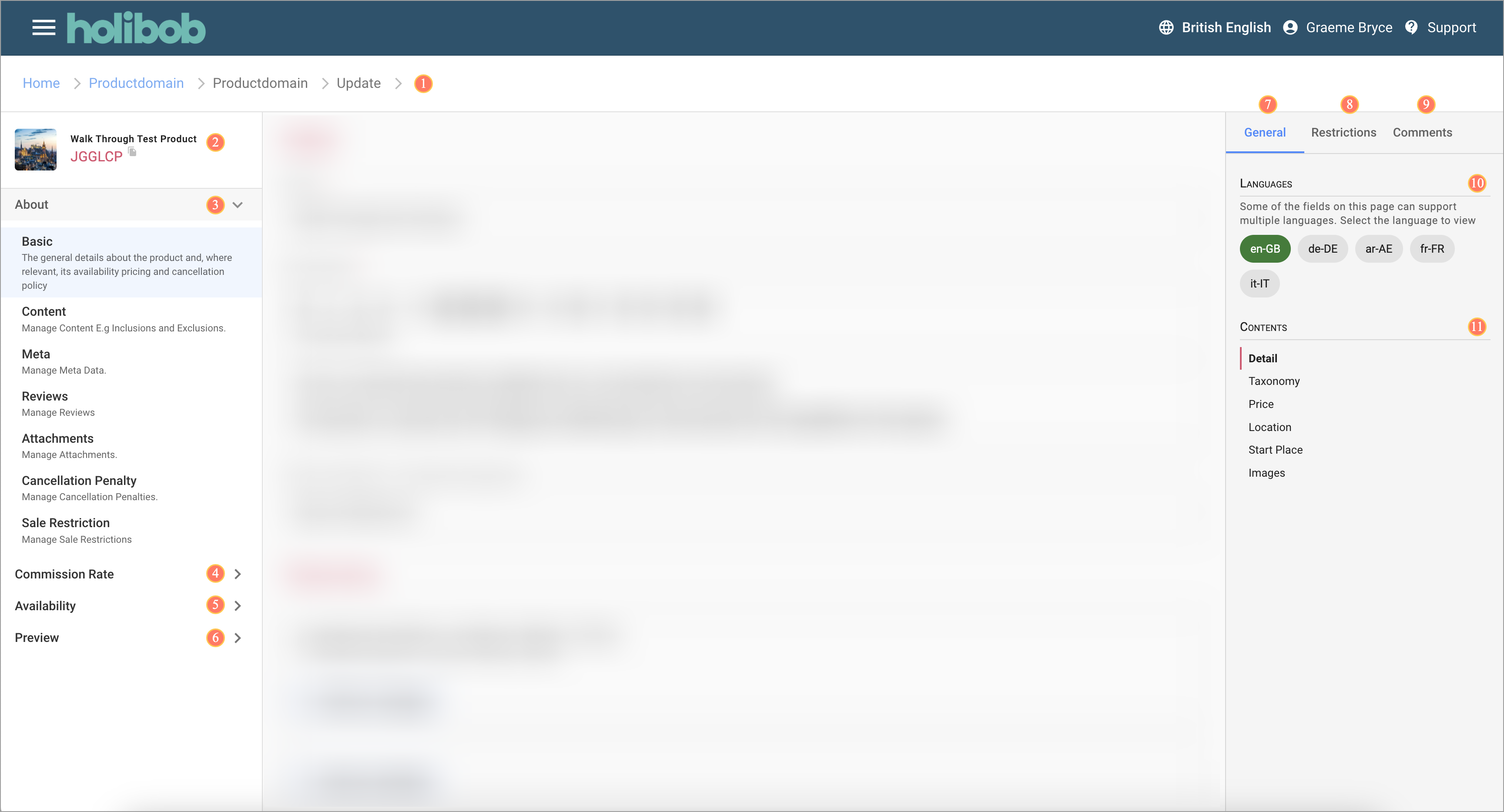
The screen has the following elements as indicated by the numbers on the image.
Breadcrumb
Product Title
About section
Commission section
Availability section
Preview section
General tab
Restrictions tab
Comments tab
10. Language selector
11. Content navigator
Details Step
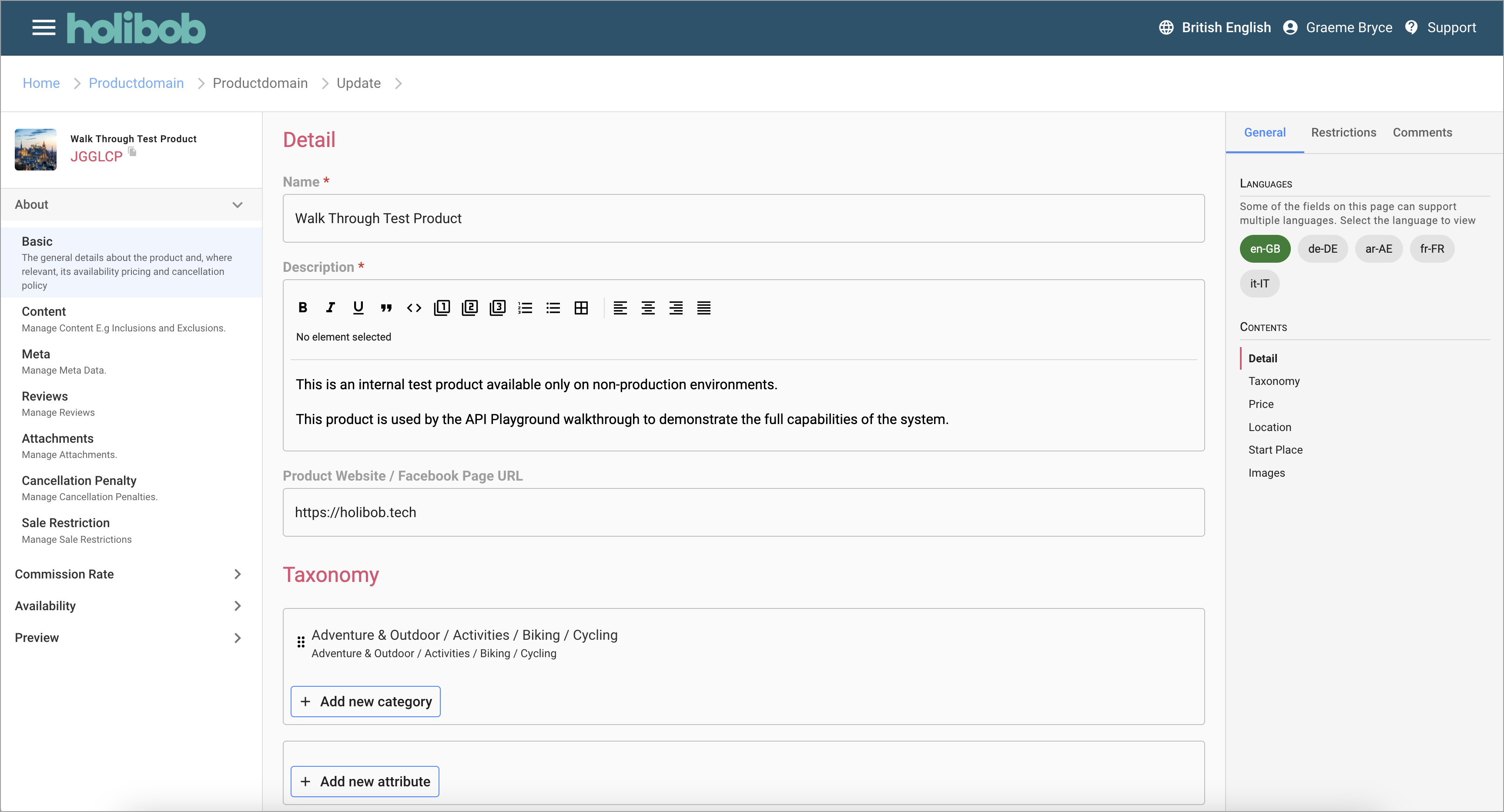
The most basic information is the name and description of the product in one or several languages.
The main screen also includes the ability to add categories and attributes, configure the guide price, set the location. Images can also be added and drag and drop allows the order of the images as they present on White-Label sites to be controlled.
Further steps in the navigator are accessed from the navigation on the left of the screen allowing management of all related data such as its content items, cancellation penalties, availability patterns and more.
Content List
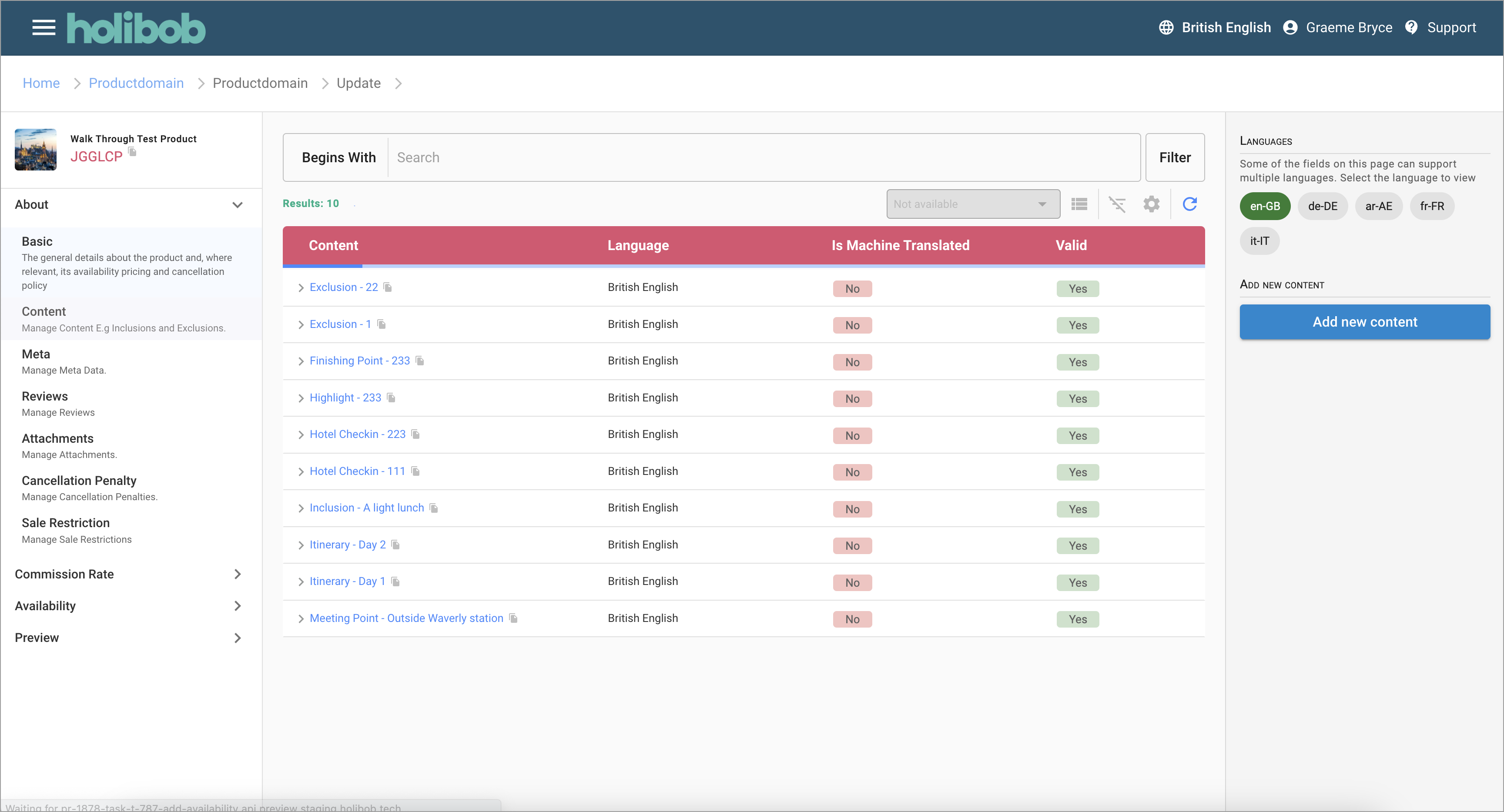
This step lists all of the different content sections that are available for the given product.
Sections can be edited by clicking on them.
New sections can be created via the button in the right hand panel.
Meta List
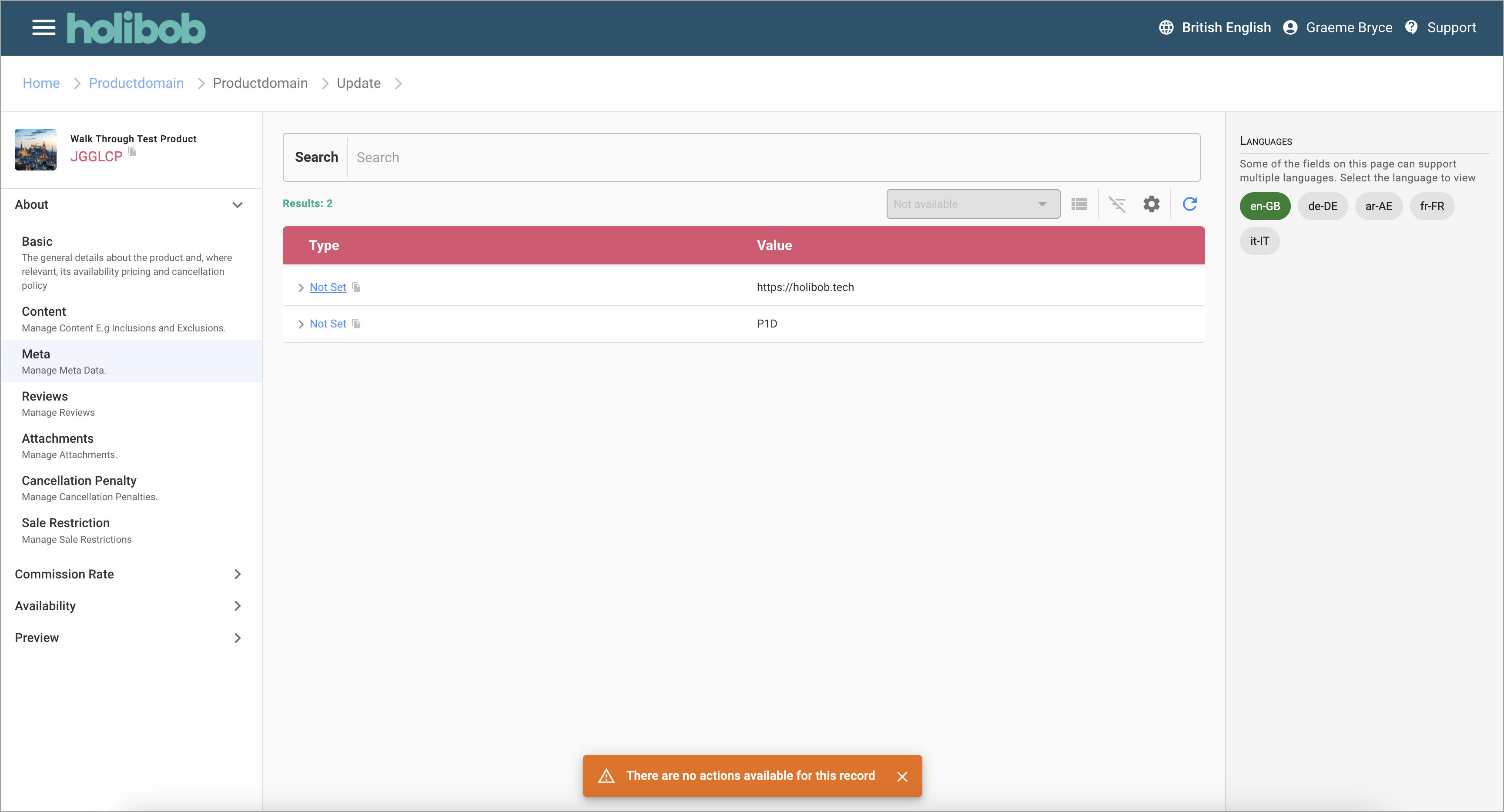
This step lists all of the different meta data that are available for the given product.
Sections can be edited by clicking on them.
New sections can be created via the button in the right hand panel.
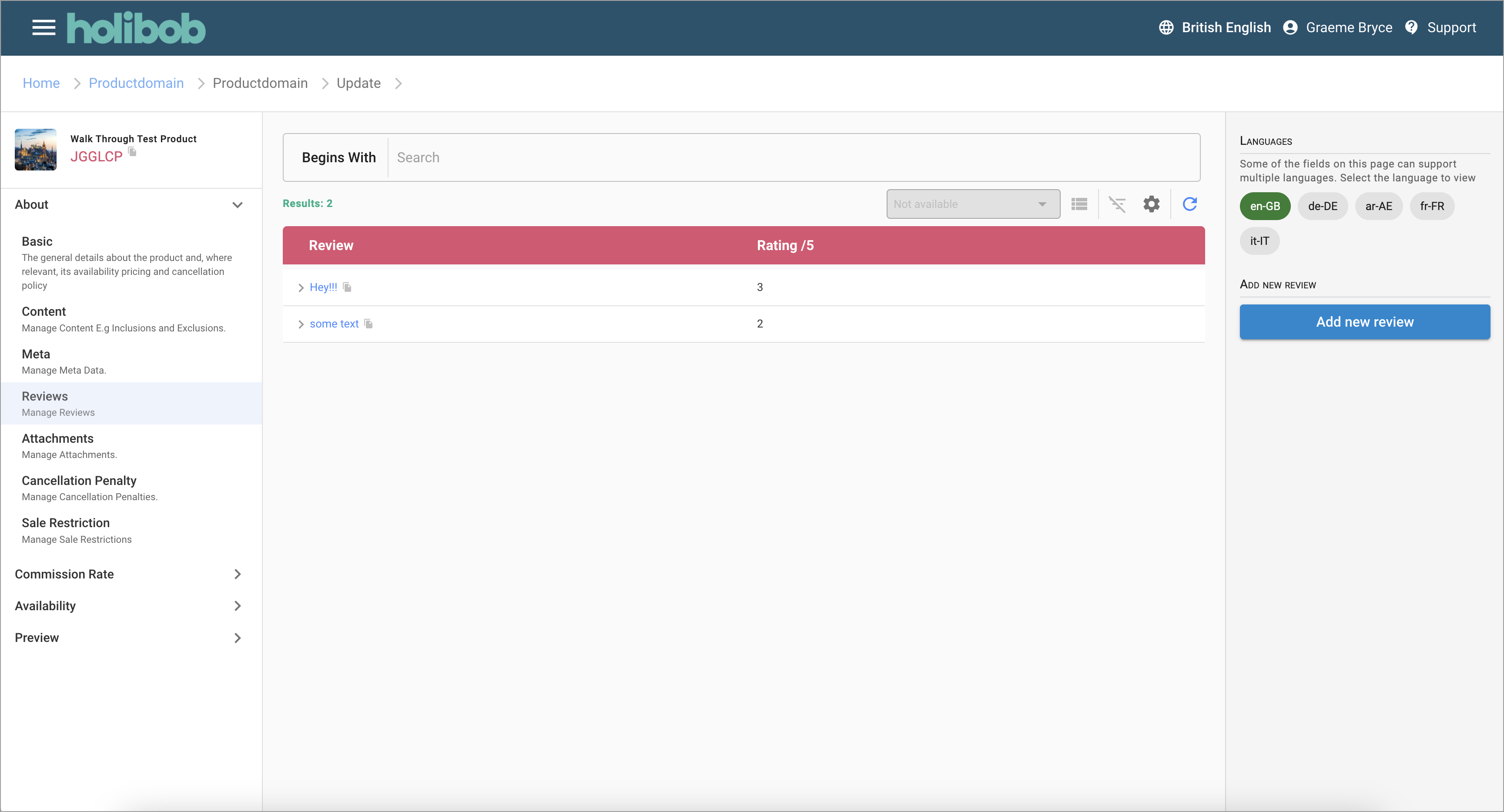
Review List
This step lists all of the different content reviews that are available for the given product.
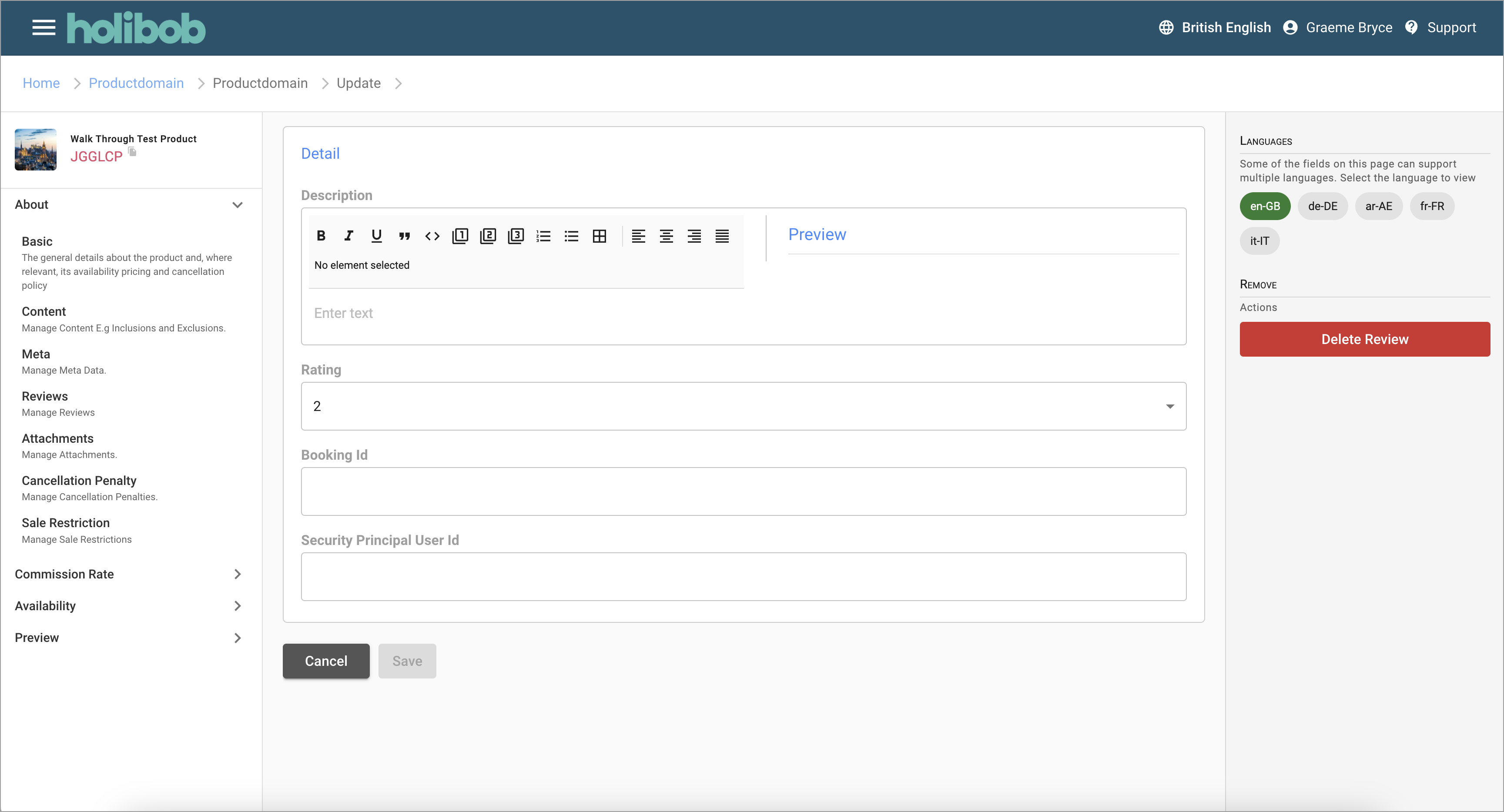
Review Detail
This step lists shows the details of a review
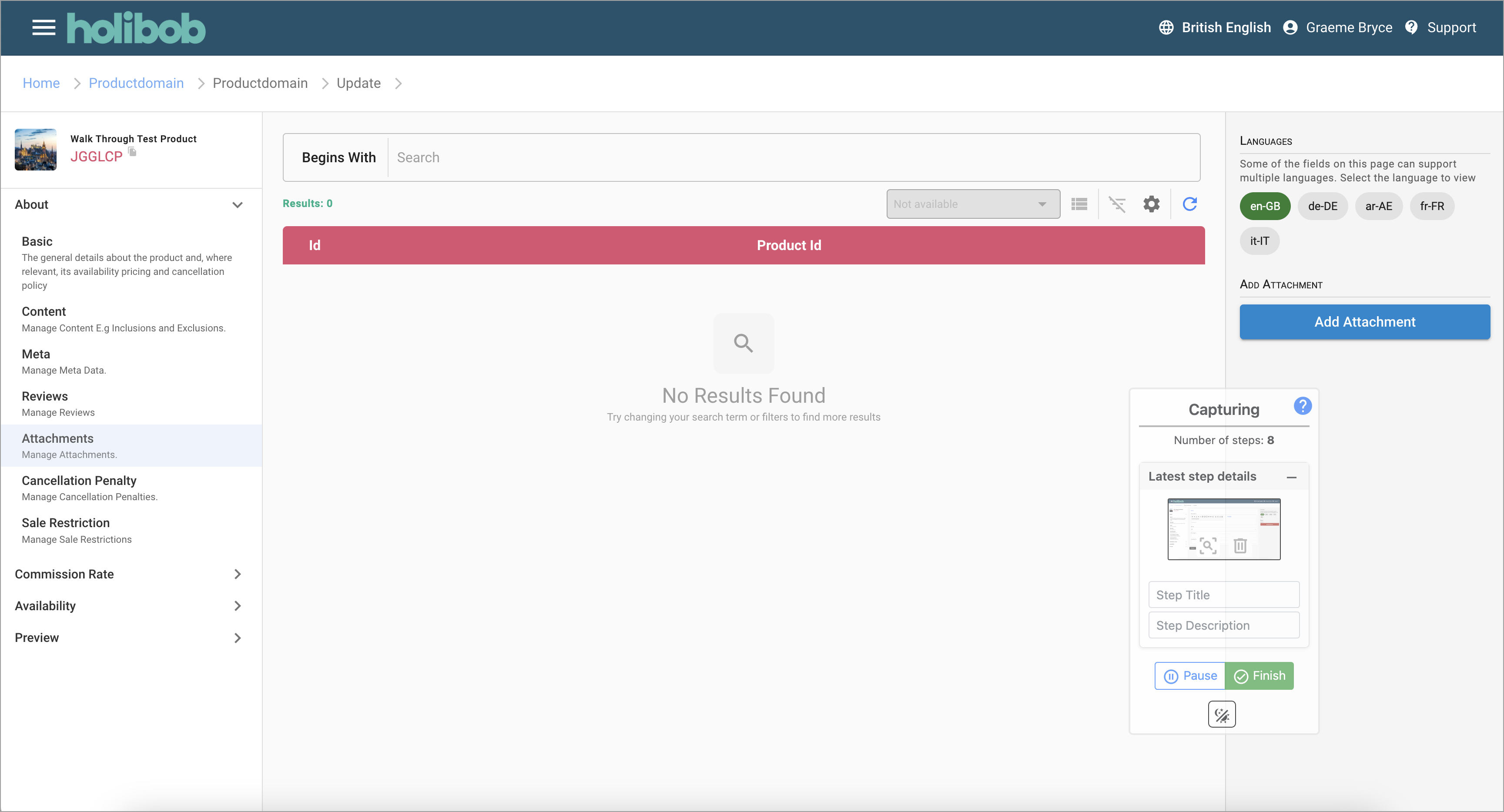
Attachment List
This step lists all of the different attachments (files) that are related to the given product.
Attachments can be viewed and deleted by clicking on them.
New Attachments can be created via the button in the right hand panel.
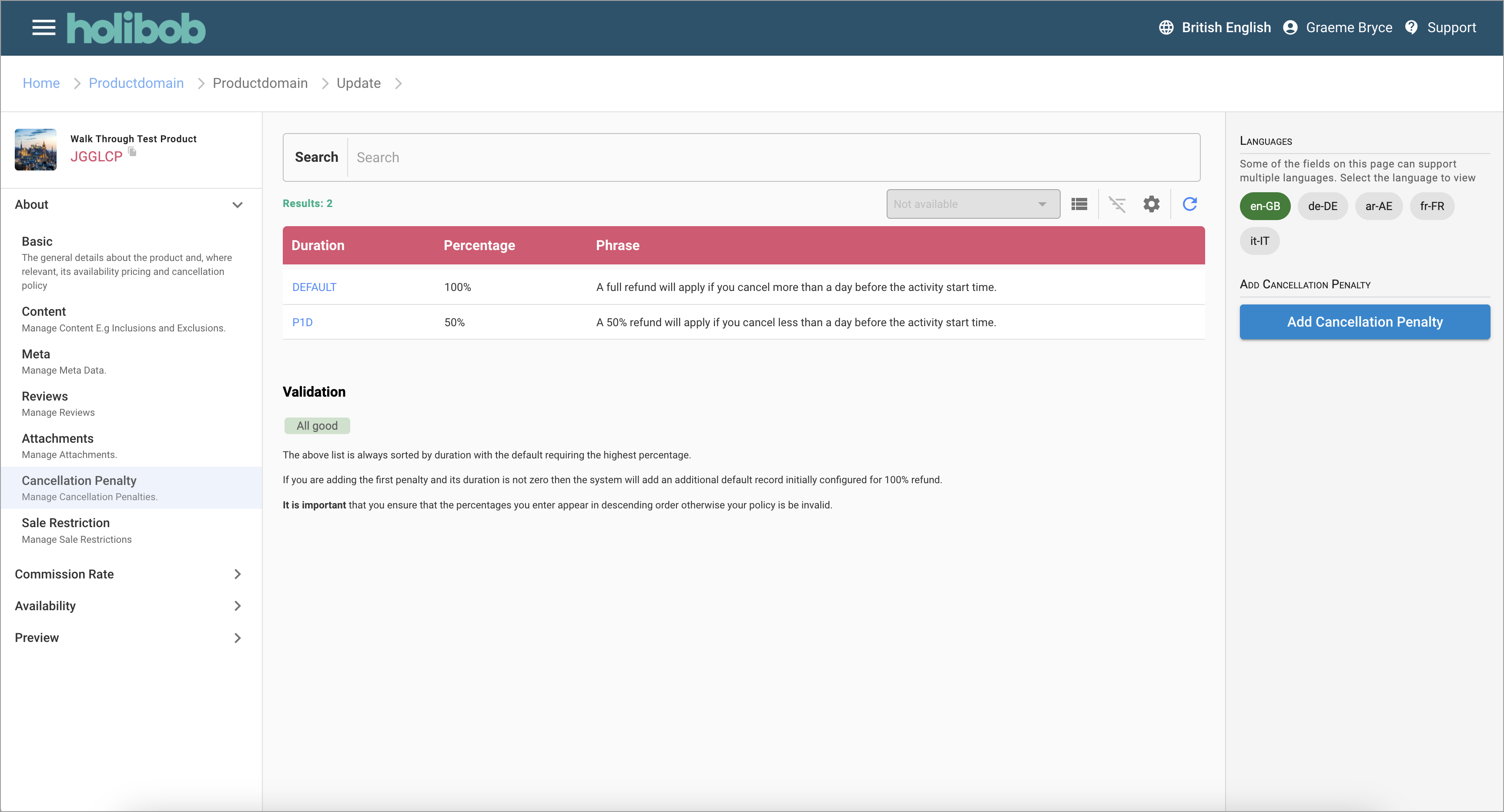
Cancellation Penalty List
This step lists all of the cancellation penalties that together form the Product's cancellation policy.
The section below the list shows the computed cancellation policy.
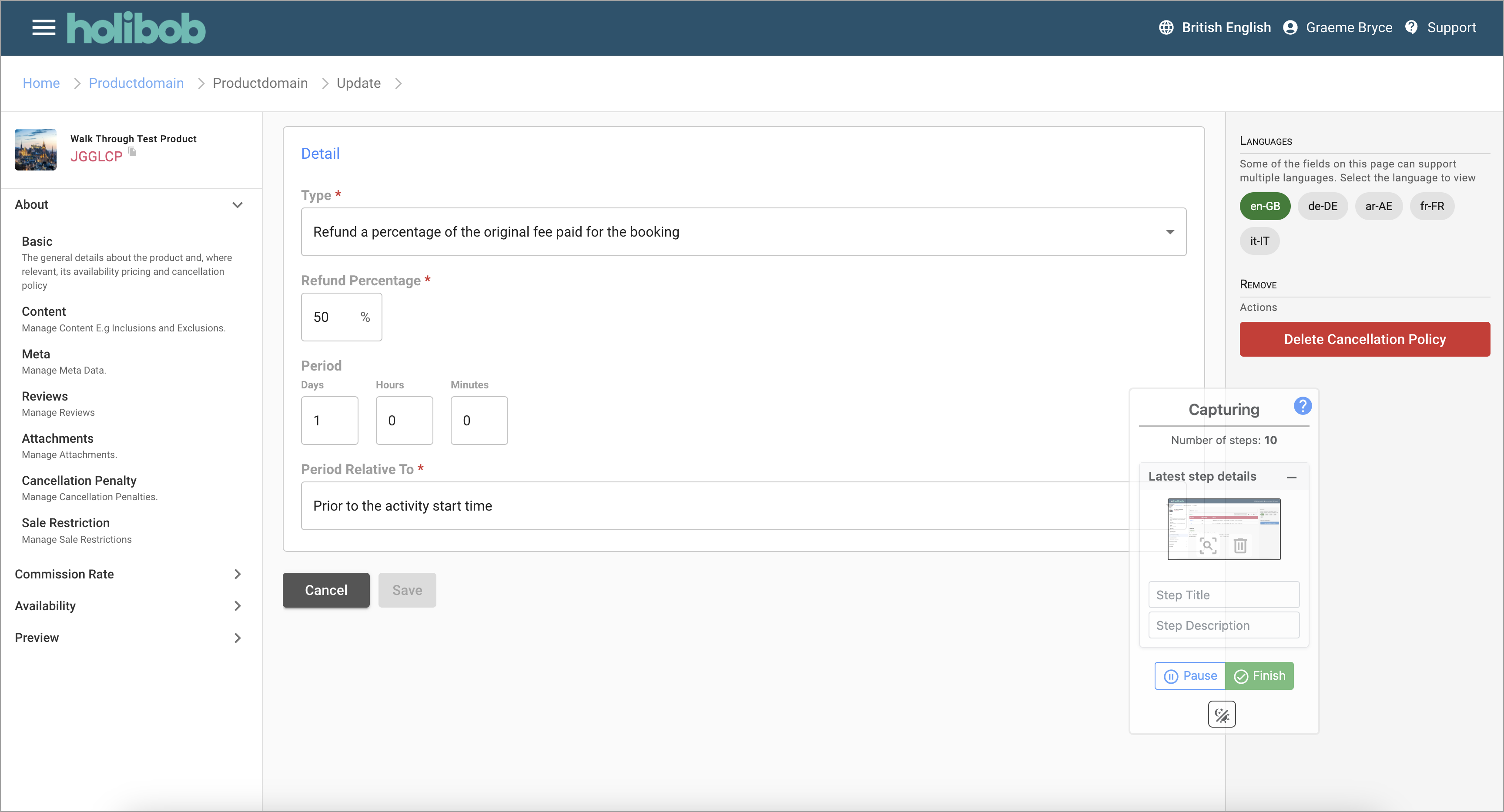
Cancellation Penalty Detail
This step records details of an individial cancellation penalty.
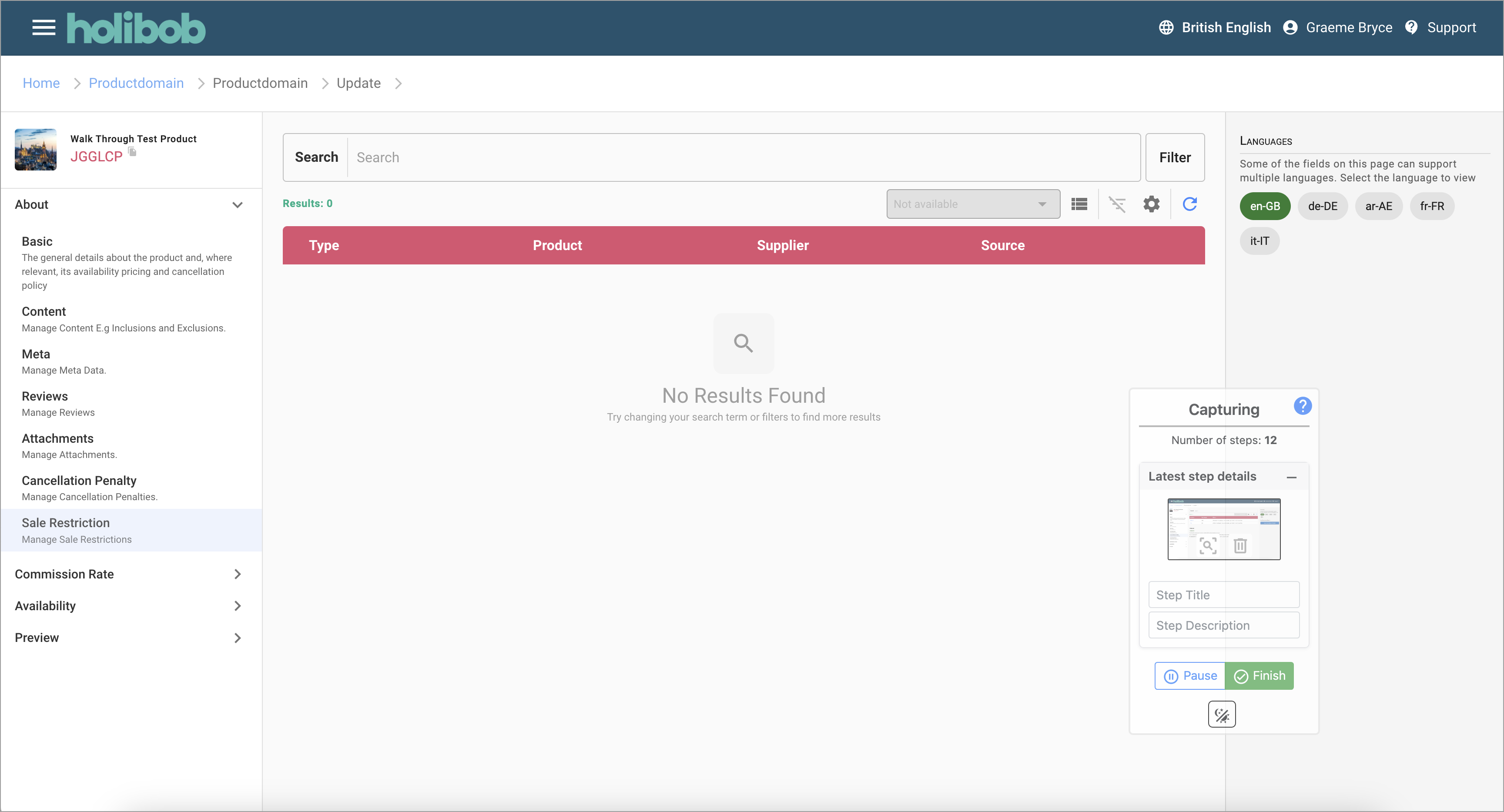
Sale Restriction List
This step lists any sale restrictions or validation errors and warnings that relato to the product.
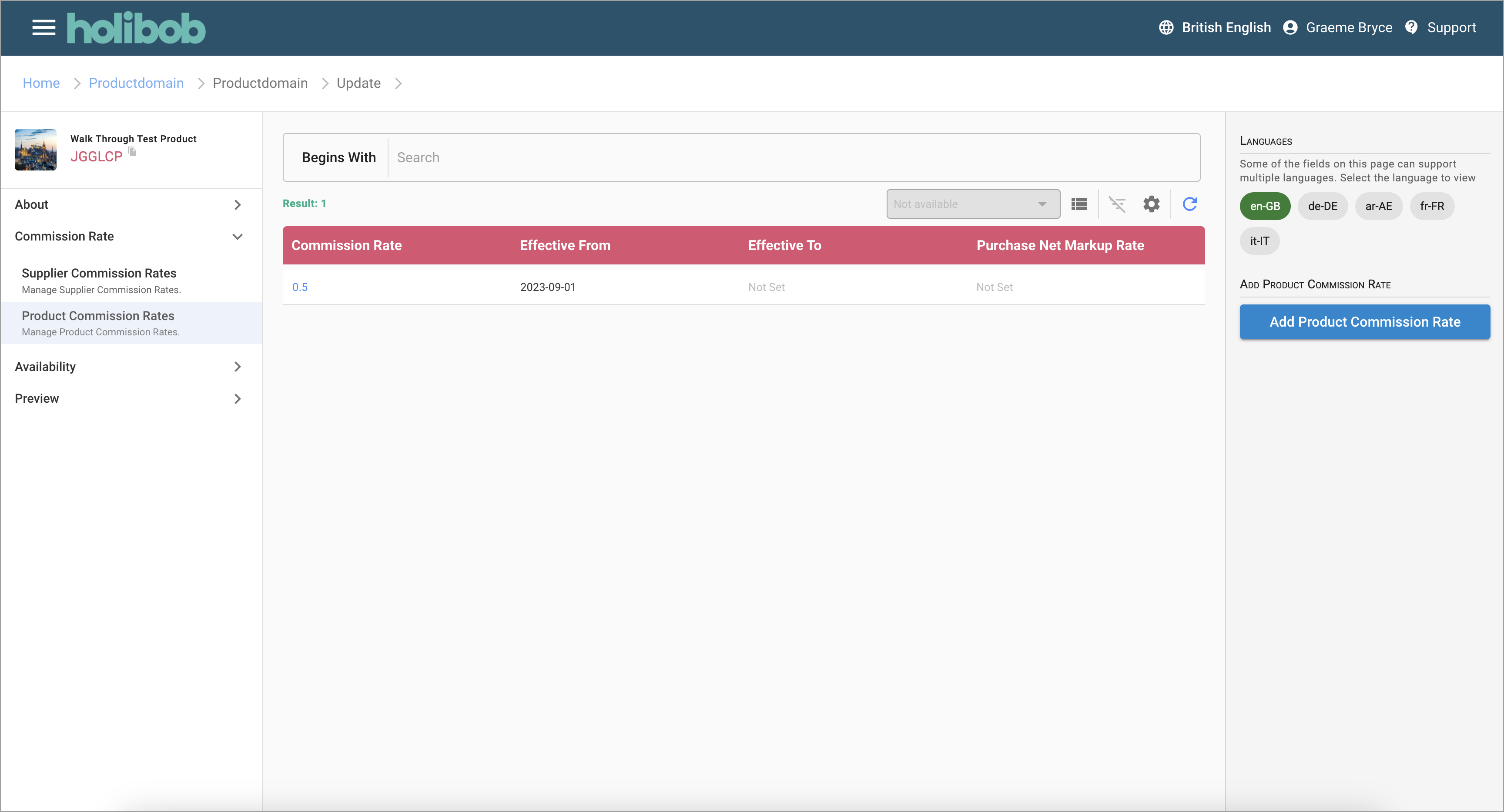
Product Commisson List
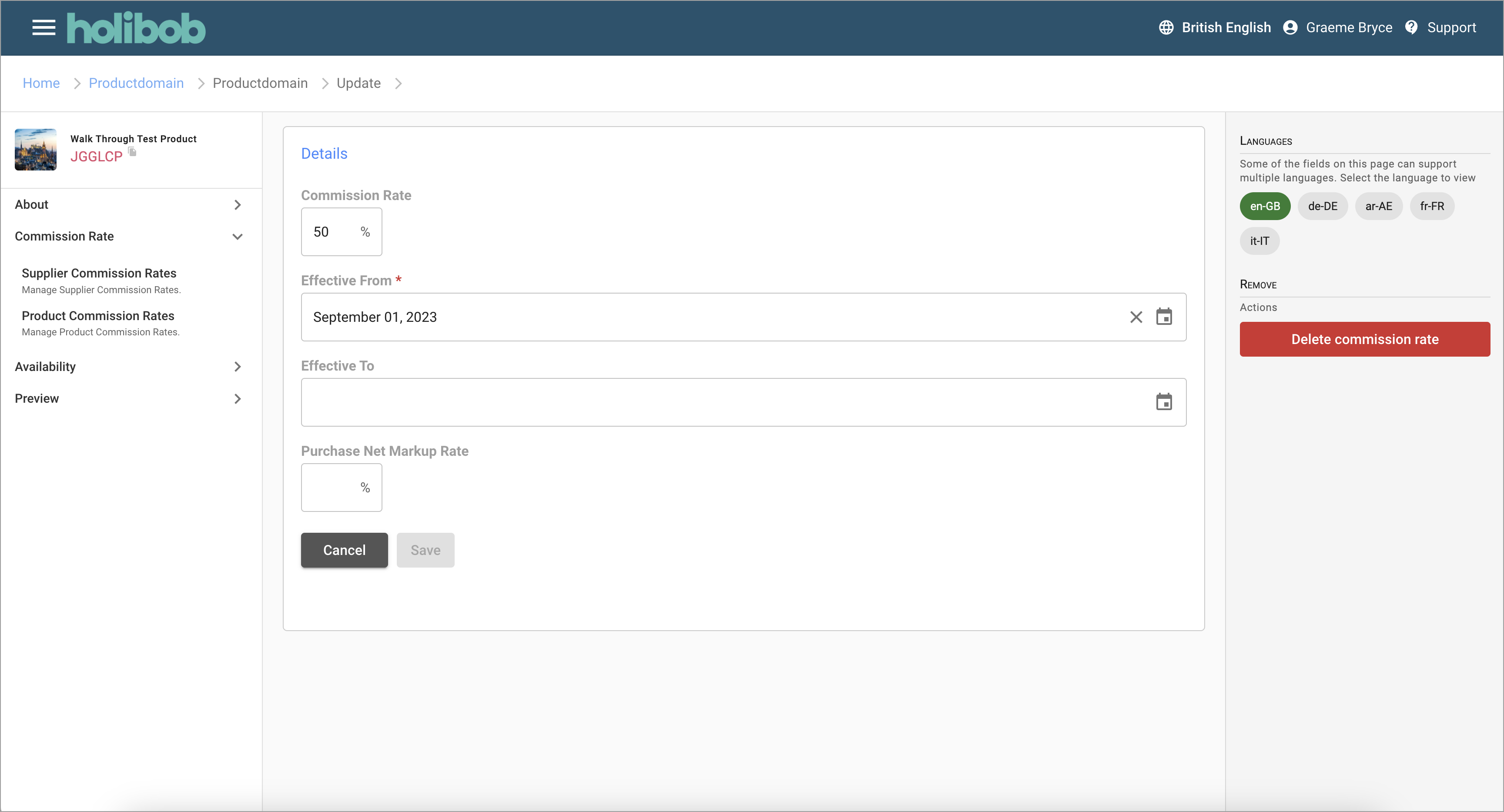
Product Commission Detail
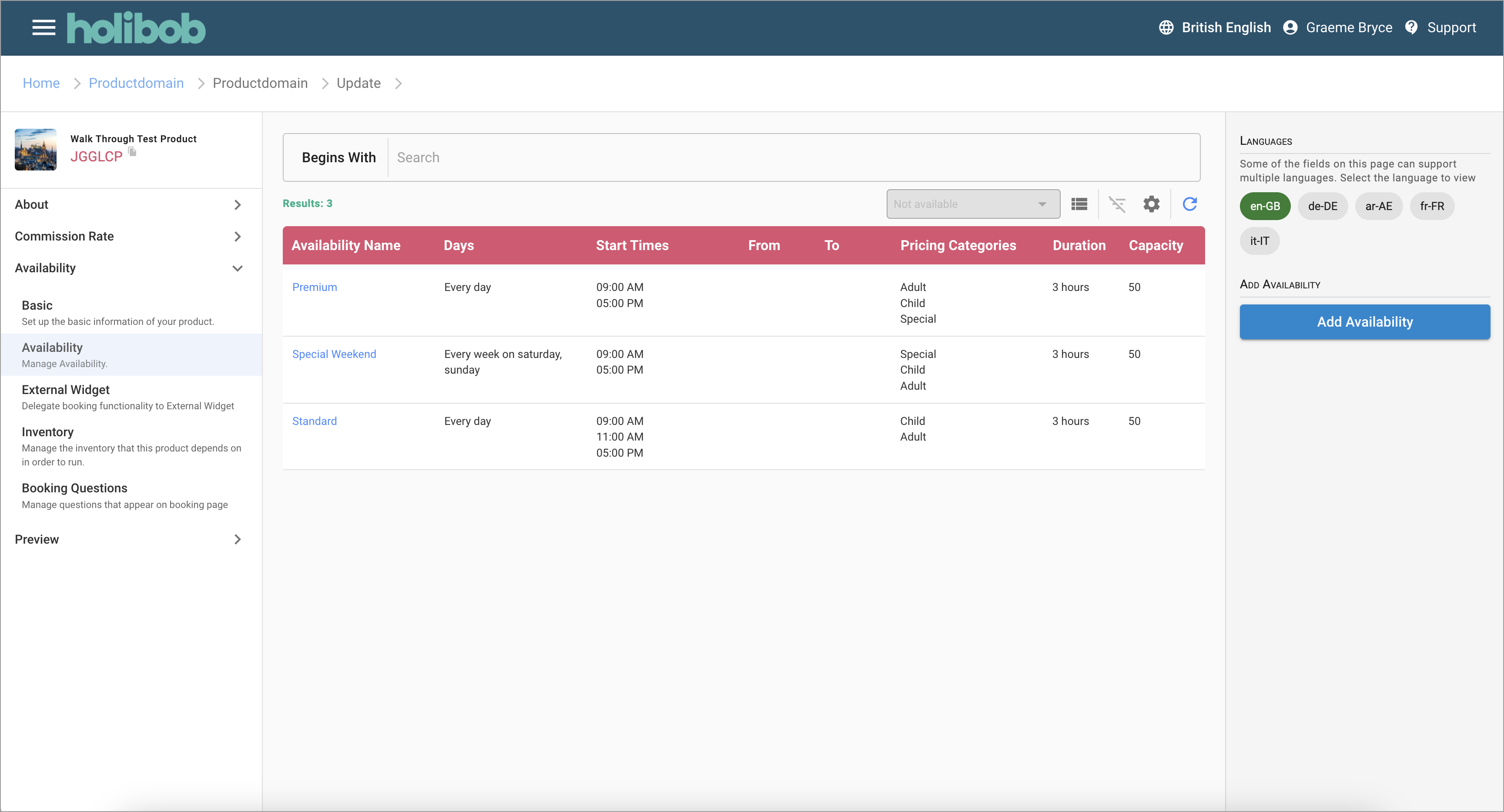
Availability List
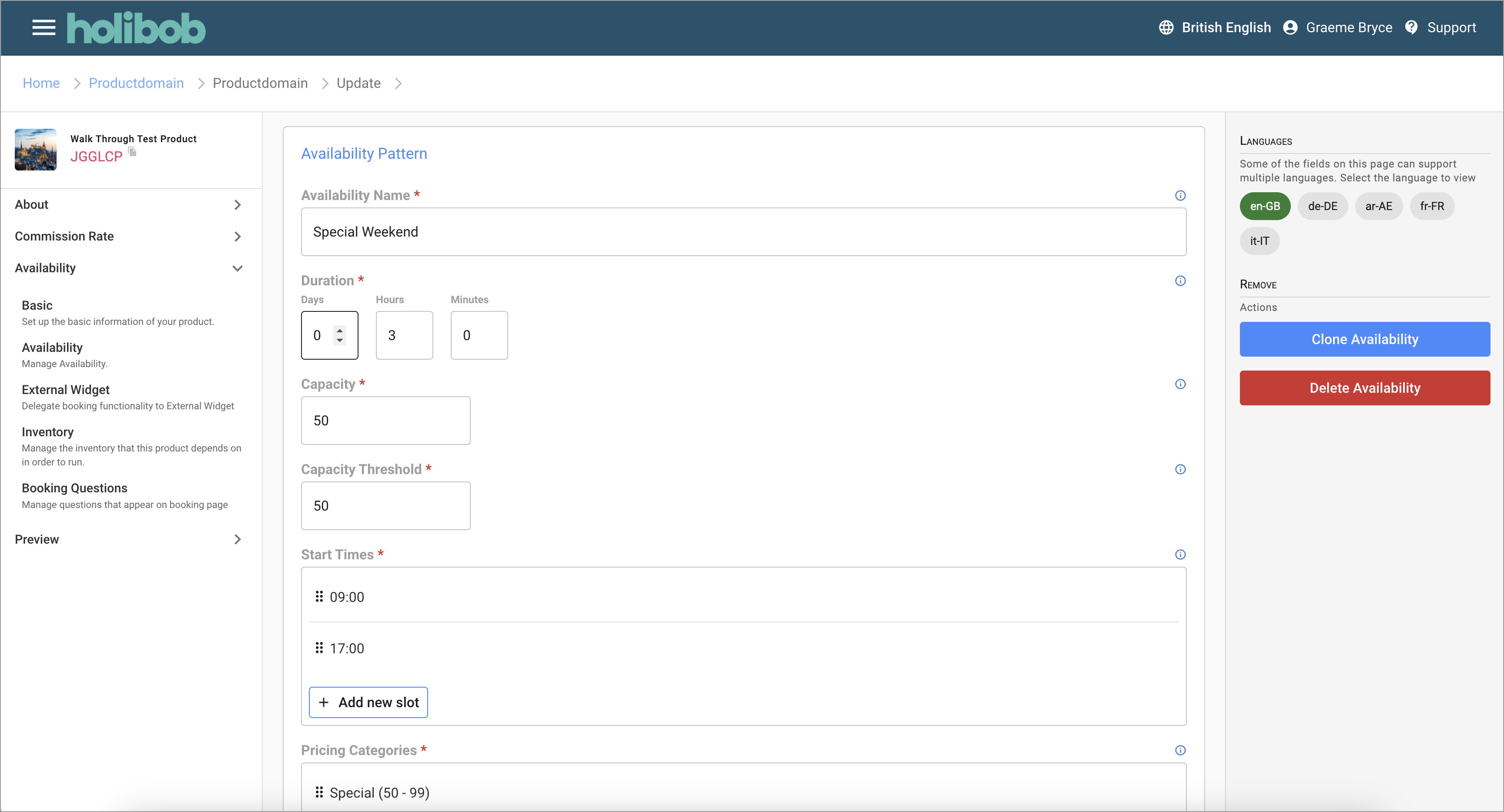
Availability Detail
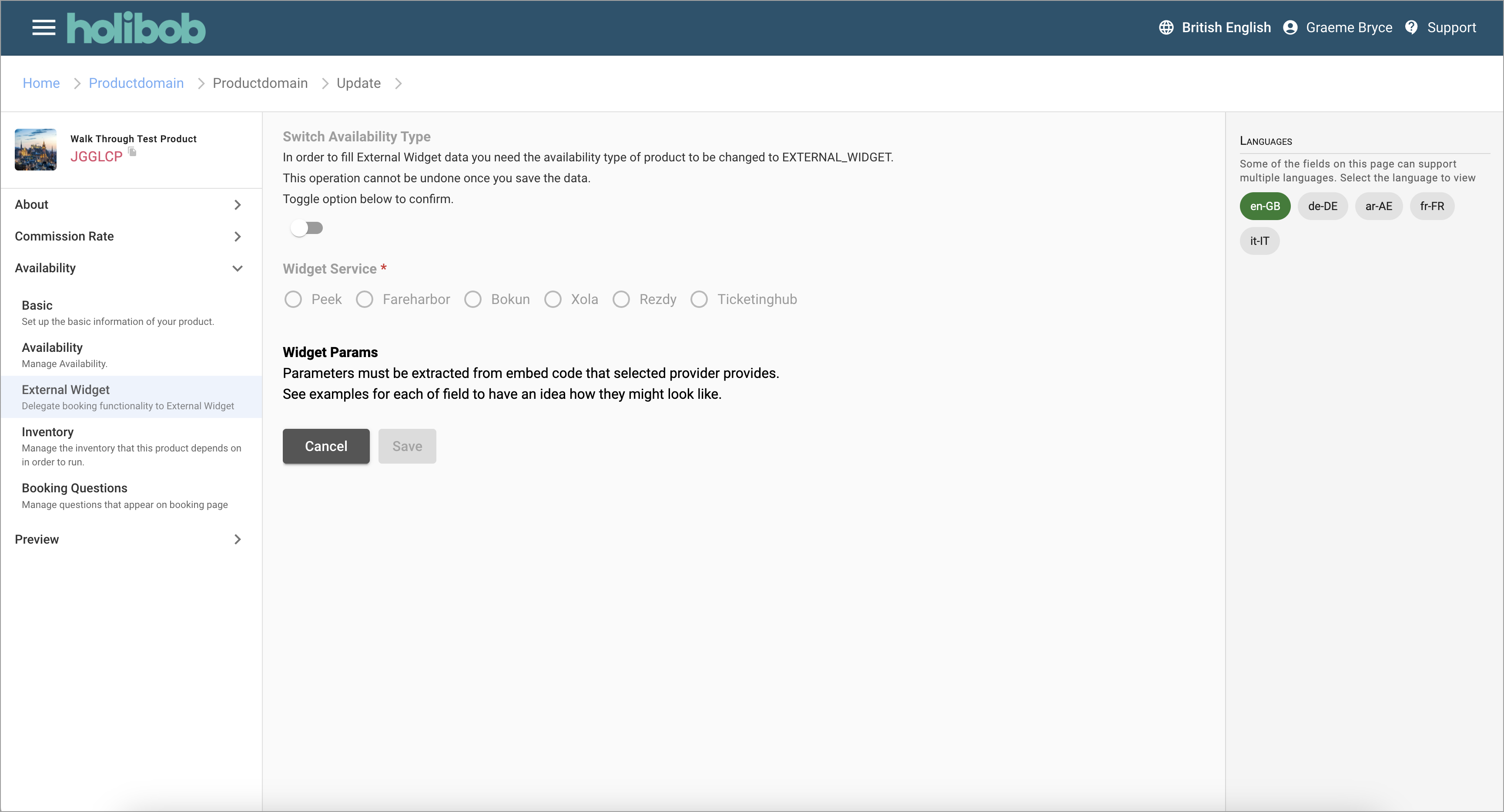
Availability Widget
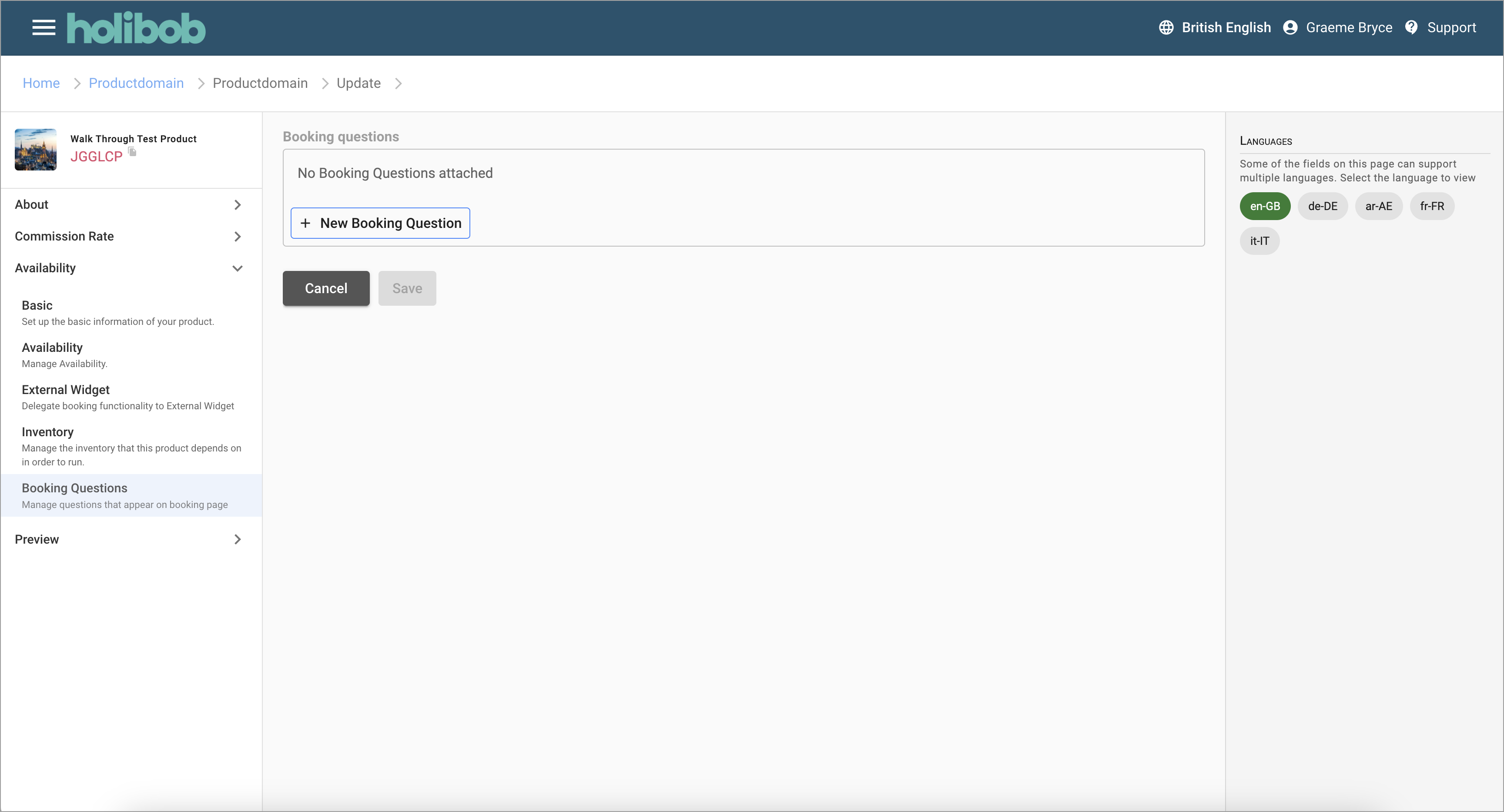
Product Booking Questions
Related Documents
| Title | Creator | Modified |
|---|---|---|
| No content found. | ||